Does HIPAA require security awareness training?
Yes, a covered entity or business associate must run a security awareness and training program for all workforce members, including management, under the HIPAA Security Rule. The rule appears at 45 CFR 164.308(a)(5)(i). For a small healthcare practice, this means every employee who touches patient data counts. Front desk, billing, clinical, and management staff all need some form of awareness training.
Under the current rule, the detailed specifications are addressable. A practice must decide and document its approach to security reminders, malware protection, sign-in monitoring, and password handling. A clinic can decide how to apply them based on its size and risks. OutPhish does not make that decision for you. You can use the platform to operate and record that awareness work.
What should HIPAA security awareness training cover?
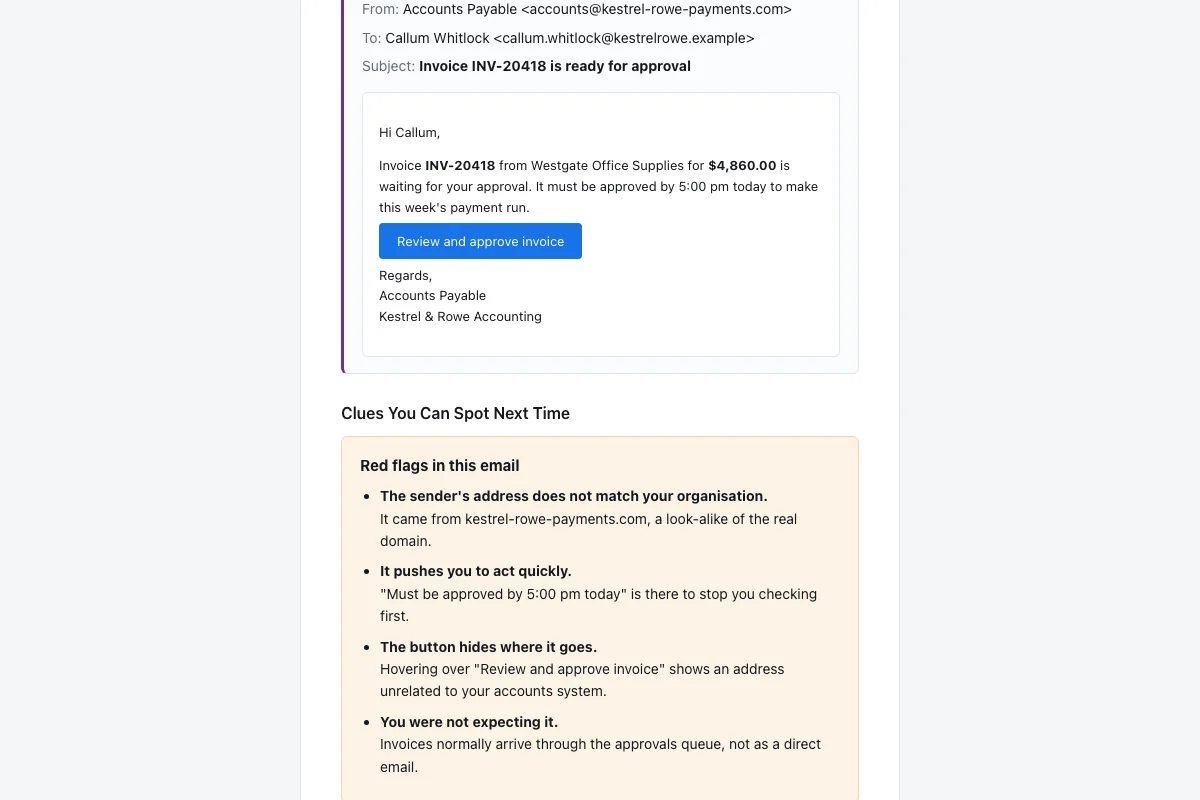
For a medical practice, awareness training should include frequent risk reminders, malware protection steps, sign-in monitoring, and password management. These are the implementation specifications listed in the Security Rule. Practical habits include checking the sender, hovering over links, reporting suspicious messages, and never entering credentials on an unexpected page. A dental practice can also practice handling fake patient portal alerts and fake invoice requests.
- Security reminders: short, repeated messages about current risks.
- Malicious software protection: how to avoid enabling macros and opening suspicious attachments.
- Log-in monitoring: noticing unusual sign-in prompts or repeated password reset requests.
- Password management: avoiding reused passwords and recognizing fake reset pages.
OutPhish supports these habits with phishing simulation software. It writes simulations for each person's role. The feedback email lists missed red flags. The short training refresher reinforces one or two lessons at a time.
Healthcare staff should learn to check the sender, slow down on urgent requests, verify unusual payment changes, and report suspected phishing. A dental practice can apply this to appointment requests. A clinic can apply it to lab results. A medical practice can apply it to portal messages. These habits do not require technical staff. They require short, repeated practice.
Why are medical practices targeted by phishing?
Medical practices are targeted because they hold patient records and payment data. Staff often work under time pressure at the front desk. Many small practices have no in-house IT team. A phisher sends an urgent message, and a busy employee clicks before checking.
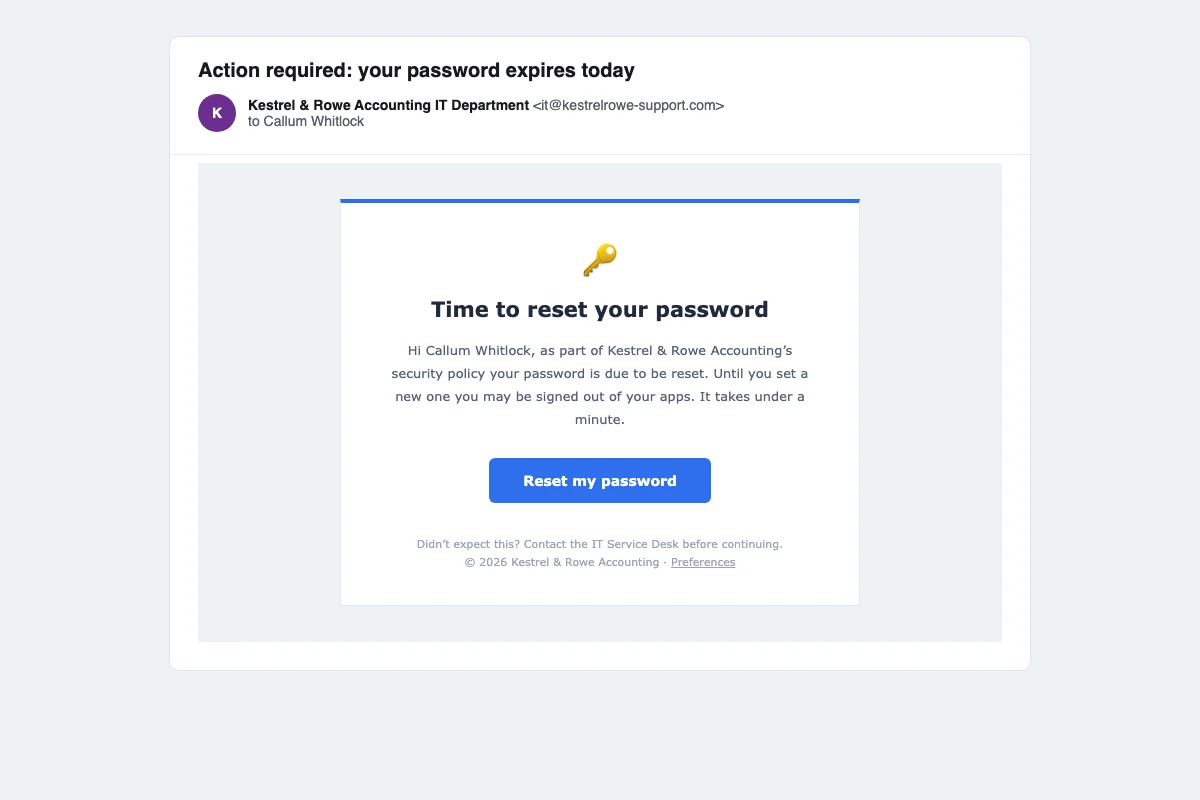
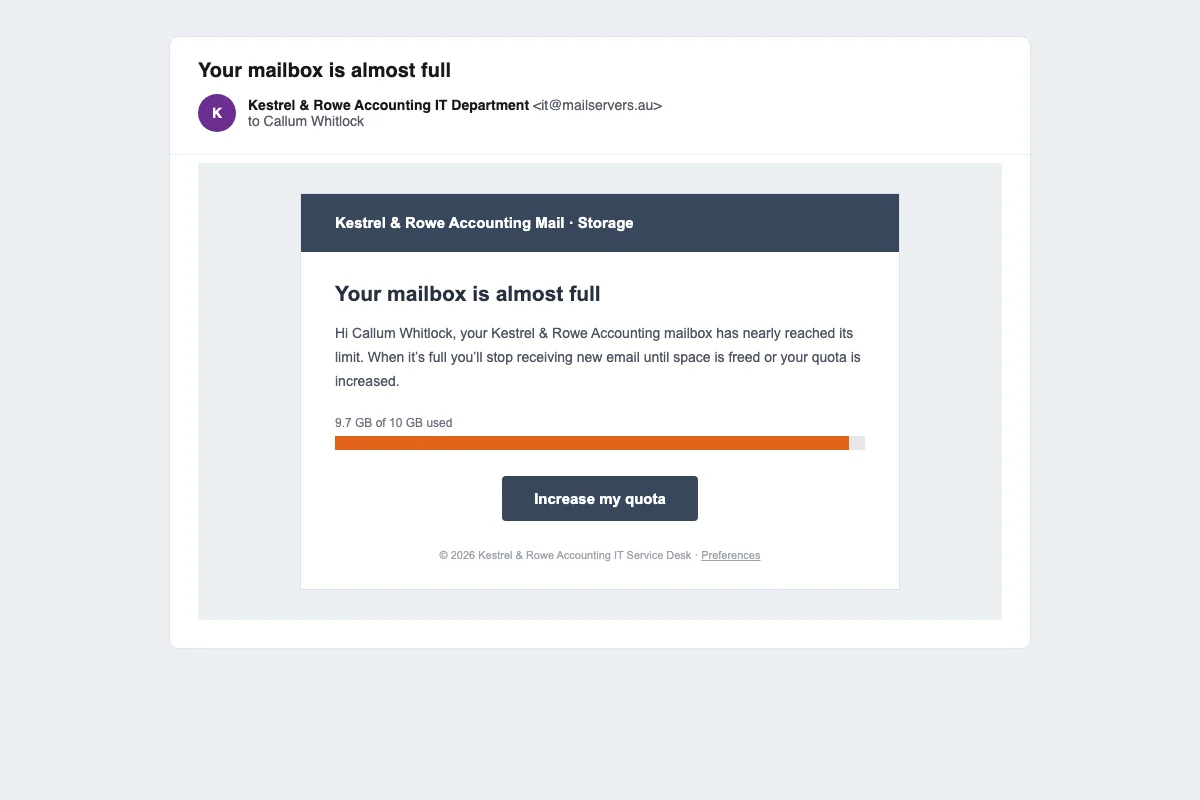
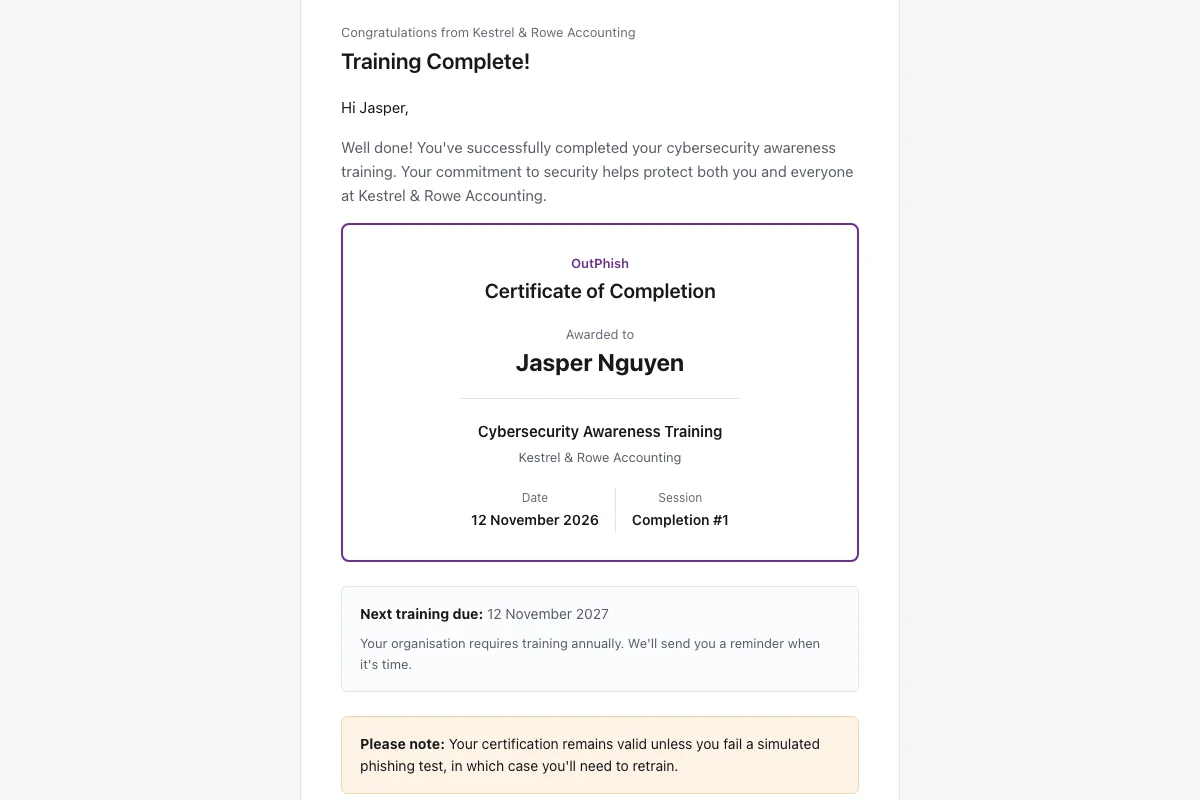
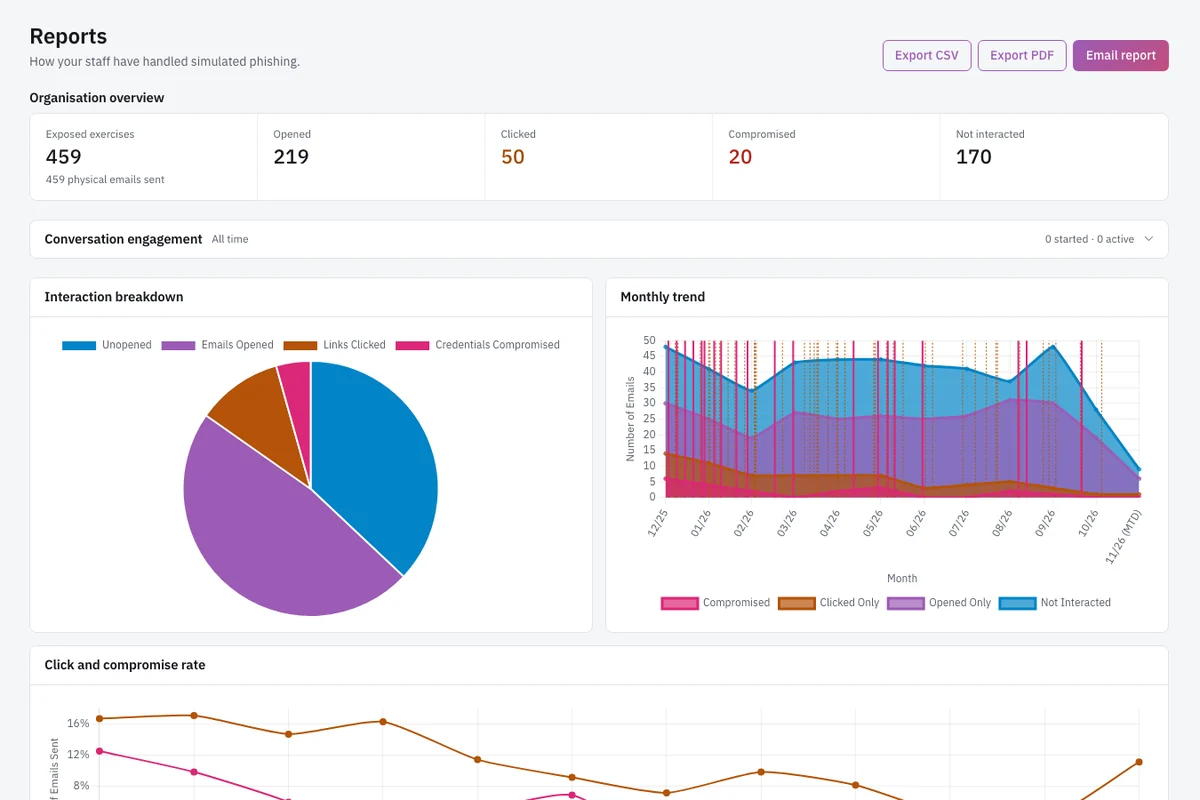
A clinic cannot remove all pressure from patient care. It can train healthcare staff to pause before acting. OutPhish tests that pause. Each simulation is written for the healthcare setting. One test may look like a password expiration notice. Another may look like a mailbox quota warning. The platform records how each person responds and shows you who needs another refresher.
How can a small healthcare practice run phishing training?
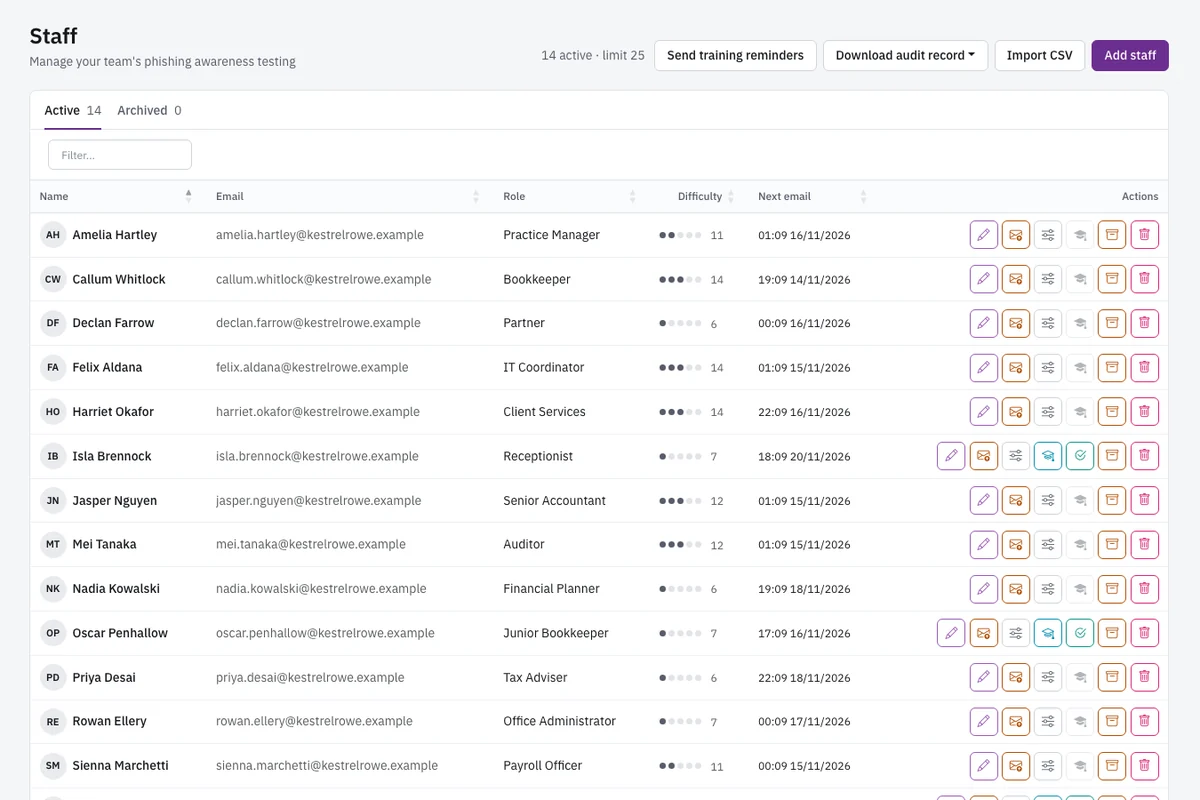
A practice can start with a staff list, a whitelisting guide, and a schedule. OutPhish researches the practice's public website to build an AI organization profile. Administrators review and edit that profile. The AI writes each simulation using the profile and the staff member's role. Names and email addresses go into the message only after the AI has written it. The AI provider does not see them.
A practice sets the frequency for simulated emails and required refresher training. A common setting is annual training plus a refresher after a failed test. Difficulty rises with each correct response, drops after a click, and resets after a form submission. A multi-stage simulation can continue the conversation after a reply. This gives billing staff a more realistic conversation with a fake attacker.
Administrators can export a person-level record at any time. These records can be kept and shared with insurers or auditors. Small practices often choose phishing training for healthcare practices because it produces repeatable records without adding heavy admin work. You can also explore business email compromise training for invoice and payment fraud scenarios.
Keep staff training data separate from patient data. OutPhish handles staff names, work emails, and roles. It does not receive patient records. The platform is hosted in Sydney, Australia. Personal information leaves that hosting only for service providers listed in the Privacy Policy. The backup copies are encrypted with a key that only OutPhish controls.
Before go live, a practice should tell the team that security awareness training includes simulated phishing. This is not secret testing. It is a planned exercise. A transparent program reduces fear and makes feedback easier to accept.
Whitelisting matters. The customer adds delivery settings OutPhish provides so simulations reach inboxes. The platform cannot control local email filters beyond the provided settings. If whitelisting steps are skipped, tests may land in spam and the results will look worse than they are. Keep each certificate and the downloaded audit record with your practice's other training records, so you can show who completed training and when.