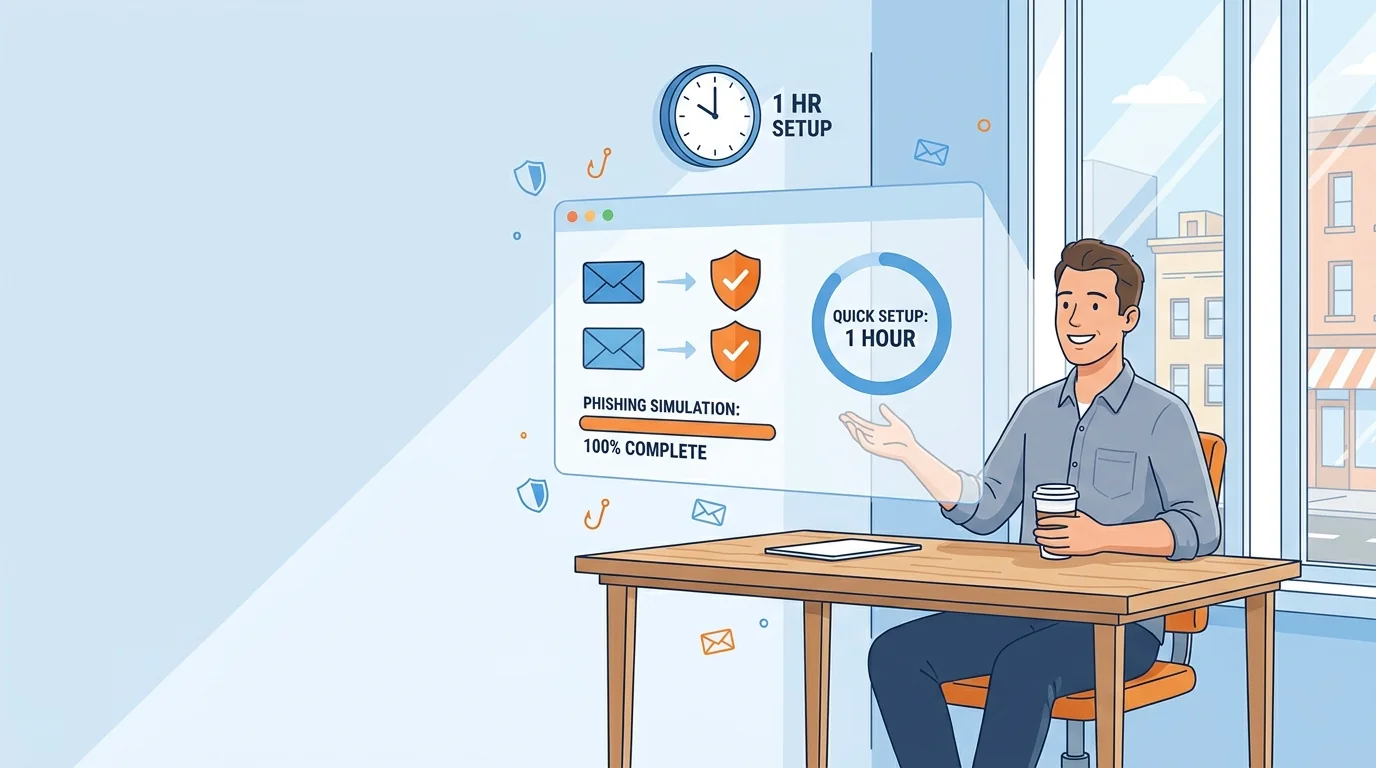
You already know the argument for phishing simulations. Employees click things they shouldn’t, and one wrong click can cost a small business more than it can absorb. What stalls most owners is not the “why.” It is the assumption that setting up a program means weeks of planning, a consultant, or someone on staff who understands email authentication records. That assumption is out of date. If you can set up a payroll portal, you can implement automated phishing training in under an hour.
This guide walks through the sequence in the order you’ll actually do it. Each step has a clear stopping point, so you can work through it in one sitting or spread it across a morning.
Why the Delay Costs More Than the Setup
Phishing remains one of the most common ways attackers get a foothold. Verizon’s 2025 Data Breach Investigations Report examined 22,052 security incidents, 12,195 of which were confirmed data breaches, and the report’s long-running finding is that a large share of breaches involve a human element rather than a purely technical exploit. The FBI’s Internet Crime Complaint Center logged 1,008,597 complaints in its 2025 report, with reported losses near $21 billion. Those figures count voluntary complaints, so they understate rather than overstate the problem.
Read those numbers as a signal about where risk concentrates, not as a prediction for your business. A five-person firm is not a likely target of a nation-state campaign. It is a very likely target of a generic phishing email sent to thousands of addresses at once, because the cost to the sender is close to zero. Training is how you reduce the odds that one of those generic emails works.
There is also a training design point worth knowing before you start. Research on phishing awareness training generally supports giving people immediate feedback when they fall for a simulated phish, which tends to reduce later susceptibility. That finding shapes how you should evaluate platforms: the ones that explain the mistake right away, in the moment, tend to do more for behavior than the ones that only deliver a score to management at month’s end. For a deeper look at running that first exercise, see this non-technical simulation walkthrough.
Before the Clock Starts: Three Decisions
These take about ten minutes and save you from rework later.
1. Name one owner
It can be you, an office manager, or whoever handles HR. What matters is that one person is accountable for the program. Phishing training that belongs to everyone belongs to no one.
2. Decide how you’ll tell the team
Announce the program before the first simulation lands, not after. A short message along these lines works: “We’re starting a phishing training program. You’ll occasionally get test emails that look real. Falling for one is not a disciplinary matter. It’s how we learn what to watch for.” That last sentence matters. Practitioner guidance often points to punitive responses as a reason programs fail, because people start hiding mistakes instead of reporting them.
3. Pick your platform
You are looking for a few specific things, and you can screen for them quickly:
- Setup time measured in minutes, not days. If the vendor’s onboarding page mentions “professional services” or “implementation call,” that is a signal the product expects a technical owner.
- Templates written for your industry. A phishing test that reads like it came from a bank will not land at a landscaping company. Look for role-specific content.
- Immediate, in-the-moment teaching. When someone clicks, they should get an explanation within seconds, not a report next month.
- Difficulty that adjusts. Once your team stops clicking obvious fakes, the simulations should get harder. Static templates stop teaching after a few rounds.
- No dedicated IT requirement. The dashboard should be readable by someone who has never opened a DNS settings page.
This is where plug-and-play security solutions for small business have changed the math. In the past, the realistic options were often enterprise platforms with minimum seat counts and a setup process built for a security team. Platforms aimed at businesses without a CISO now compete on exactly the opposite: how fast a non-technical owner can get to a first result. If you want a broader comparison of what to expect at this end of the market, this comparison of phishing simulation tools for small business covers cost and feature tradeoffs.
One practical check before you commit is to confirm where employee data is stored and whether you can export or delete it. You are about to upload names and work email addresses, and it is easier to ask now than to untangle later.
The Setup, Step by Step
From here, the sequence is short.
Step 1: Create the account and describe your business (about 10 minutes)
Sign up and complete the profile. Most platforms will ask for your industry, headcount, and sometimes your company domain. Answer honestly and specifically. If you are a 12-person accounting firm, say so. The AI-driven platforms use that information to generate simulations that match what your team actually receives, and a vague profile produces generic tests that teach less.
Step 2: Import your people (about 5 minutes)
Upload a spreadsheet of names and work email addresses, or connect your email directory if the platform supports it. Keep the list to work accounts. Do not include personal addresses, and do not include anyone who is on leave or leaving. A test that lands in someone’s final week creates confusion for no training benefit.
Step 3: Set the guardrails (about 10 minutes)
This is the step people skip, and it is the one that prevents embarrassment. Confirm three things in the platform settings:
- Simulated emails are restricted to your internal list. If an employee forwards a test to a customer, the customer should not receive a live phishing link. Check whether the platform limits delivery to your imported list, and verify it rather than assuming.
- Your sending domain is configured correctly. Many platforms handle this through a guided process, which may involve a verification record you add at your domain registrar. If your platform offers a “managed sending domain” option that avoids you touching DNS at all, take it. This is the single most technical part of setup, and the good platforms have engineered it out.
- Consent and use of company branding are settled. Decide whether simulations may use your logo and whether they may reference real executive names. Using real names makes tests more realistic and also makes some employees uncomfortable. Pick a policy and write it into your announcement.
Step 4: Choose a starting difficulty and cadence (about 5 minutes)
Start easier than you think you should. The goal of the first round is to establish a baseline and start conversations, not to catch people out. Many platforms offer a monthly or quarterly cadence. Monthly is usually the better default for a small team, because the feedback loop is short enough that lessons stick.
If the platform allows a pilot, you might consider starting with a small group across different roles before rolling out to everyone. It surfaces delivery problems (a test landing in spam, a template that reads oddly for your industry) while the audience is small.
Step 5: Test delivery on a phone and a laptop (about 5 minutes)
Try sending one simulation to yourself, then open it on your phone and on your laptop. Check that the landing page renders, that the teaching moment appears, and that nothing looks broken. A meaningful share of your team will read email on a phone, and a simulation that only works on desktop teaches the wrong lesson about where the risk lives.
Step 6: Launch (about 2 minutes)
Send the announcement to your team, then start the campaign. That is the whole launch.
Reading Your First Results Without Overreacting
When the first campaign closes, you will have a click rate. Resist the urge to treat it as a verdict on your team.
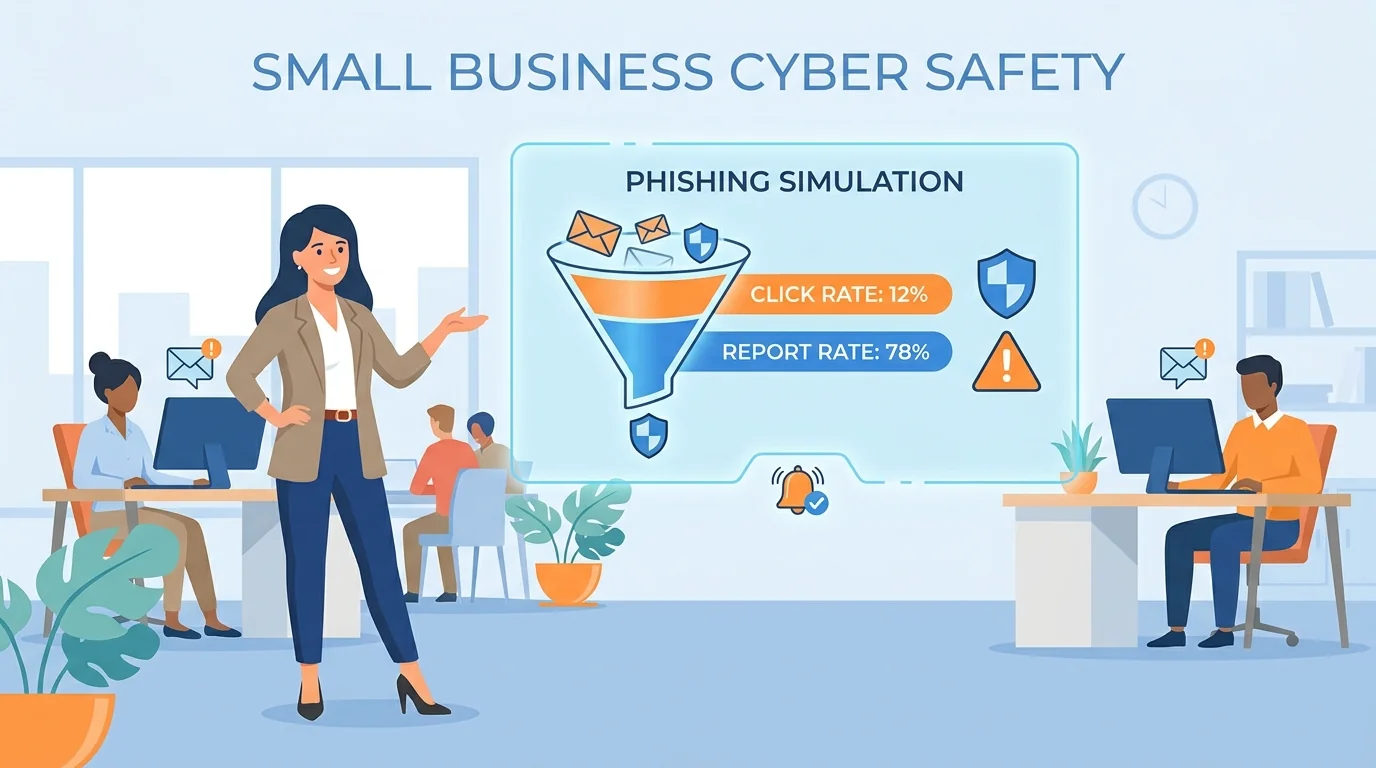
Look at three things instead of one number. First, who reported the simulation? Reporting is the behavior you most want to build, because a reported phish protects the whole company. Second, which templates drew clicks? If one style of email fooled most of the people who clicked, that tells you what to focus the next round on. Third, did people who clicked read the teaching moment? Some platforms show completion of the feedback page, which is a better measure of learning than the click alone.
Then do the thing that makes the program stick: talk about it briefly in a team meeting. Name the pattern, not the person. “Three of us clicked a fake invoice email this month. Here’s the tell.” That single habit, repeated monthly, does more than any dashboard.
What to Do in Month Two and Beyond
Automated platforms handle most of the ongoing work, but three habits keep the program alive:
- Let the difficulty climb. If the platform adjusts automatically, leave it alone. If it doesn’t, raise the difficulty yourself once click rates fall.
- Review quarterly, not weekly. A monthly glance at results is enough. Weekly monitoring turns training into surveillance and changes how people behave.
- Keep the no-blame rule visible. Repeat it in each announcement. The moment an employee believes a click will be held against them, they stop reporting, and reporting is the behavior that actually protects you.
For a fuller picture of the whole rollout, including the decisions that come after the first month, see this zero-setup implementation guide. And if you want the reporting side modeled on how public agencies handle it, CISA’s phishing training guidance covers reporting expectations and how official communications should be used, both of which can translate well to a small business.
The hour you spend on setup is the whole barrier. Everything after it is a monthly habit of sending, reading, and talking. That is a program a business without IT staff can run indefinitely.