08 Sep
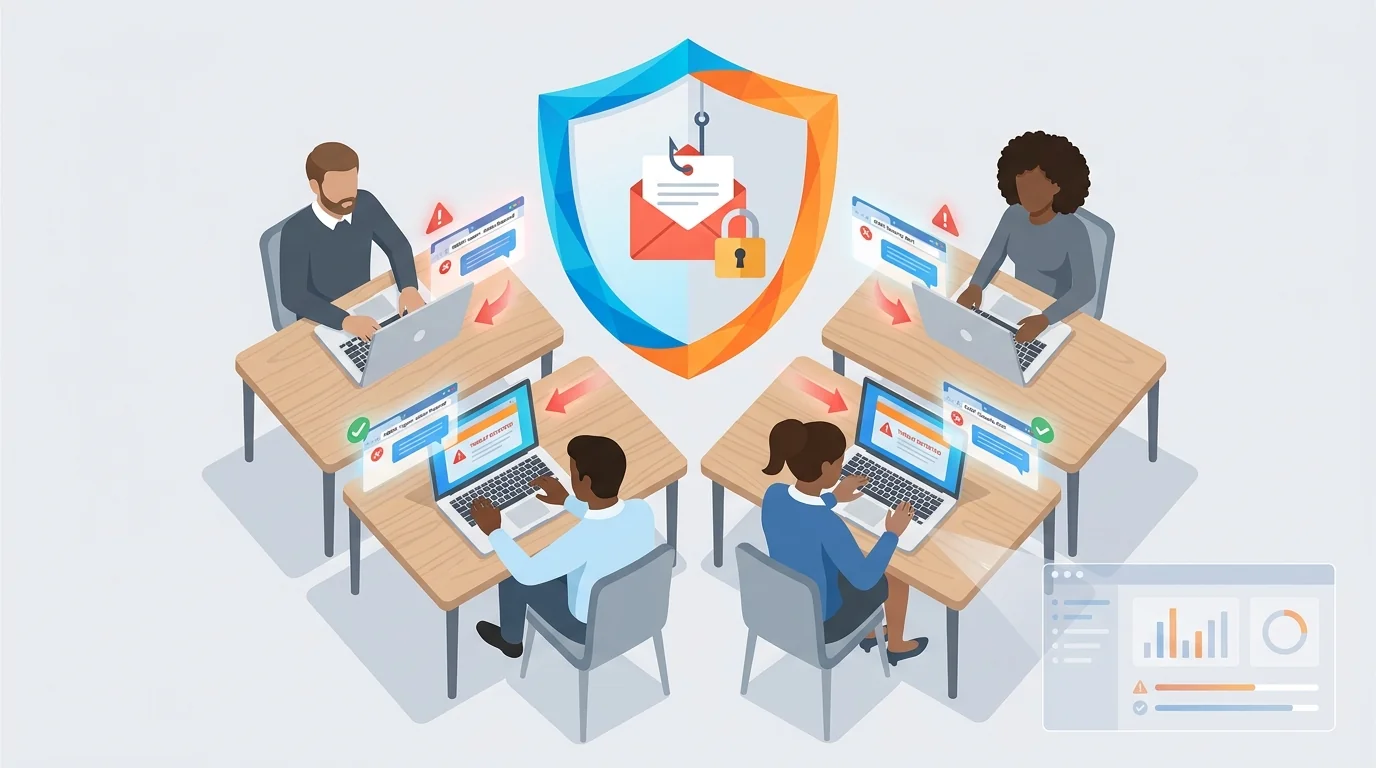
A customer service representative pastes customer records into a chatbot. Someone on your team shares a document with an AI assistant using their personal account. A browser extension you’ve never heard of starts accessing company files. These scenarios happen daily in small businesses, and they all share something in common: they occur in a browser tab that looks identical to every other browser tab on the screen.
For small businesses without dedicated IT staff, implementing zero-setup cybersecurity training platforms can address these risks without requiring technical expertise or constant monitoring. The following checklist breaks down how to get automated phishing training running at your organization today.
Step 1: Identify Where Your Data Actually Moves
Before selecting any security solution, you need to understand how information flows through your business. Most risky activity happens in the browser, which means it often bypasses traditional security monitoring entirely.
Start by answering these questions:
- Which employees handle sensitive customer data daily?
- What AI tools are people using without formal approval?
- Are team members accessing business systems from personal accounts?
- Where do financial records, customer information, and proprietary documents get shared?
The same action carries different risk levels depending on context. A marketing associate summarizing a press release is routine. A finance manager uploading unreleased earnings data to a personal ChatGPT account is not. Context determines risk, and understanding your data flow helps you focus training on the scenarios that actually matter.
Document which roles have access to sensitive information and how they typically use browser-based tools. This inventory becomes your baseline for measuring improvement after training begins.
Step 2: Evaluate Plug-and-Play Security Solutions for Small Business
The security tools designed for large enterprises with dedicated security teams won’t work for a 15-person accounting firm or a 30-employee retail operation. You need solutions that run without constant oversight.
When evaluating the best phishing simulation software for 2024, look for these specific features:
- Automatic scaling: The system should adjust difficulty based on how employees perform, not require manual configuration
- Role-specific simulations: Your office manager faces different phishing attempts than your sales team
- Immediate feedback: When someone clicks a simulated phishing link, they should learn why right then, not weeks later in a report
- Minimal setup time: If implementation takes more than an hour, it’s not designed for businesses without IT staff
Effective security tools evaluate who’s performing an action, what data is involved, which tool is receiving it, and whether the behavior matches normal business operations. This contextual approach means fewer false alarms and more relevant alerts.
Research on cybersecurity training methods indicates that positive training outcomes depend on delivery approach and timing. Annual compliance videos rarely change behavior. Regular, contextual simulations do.
Step 3: Address Shadow AI Before It Becomes a Problem
Your employees are already using AI tools you haven’t approved. Personal ChatGPT accounts, browser extensions with AI features, automated assistants embedded in other software. This shadow AI represents one of the first security gaps that appears once a business starts looking.
Plug-and-play security solutions for small business should surface which tools are in use, who’s using them, whether accounts are corporate or personal, and whether business data is moving into these systems.
Create a simple policy document that covers:
- Which AI tools are approved for business use
- What types of data should never be entered into AI systems
- The difference between personal and corporate accounts for AI tools
- How to request approval for new tools
Keep this policy short. A ten-page document nobody reads provides less protection than a one-page guide everyone follows.
Step 4: Set Up Automated Training That Runs Itself
Implementation should take minutes, not weeks. Modern zero-setup platforms use AI to research your industry and company structure, then generate realistic phishing simulations tailored to your specific situation.
During setup, configure these elements:
- Employee enrollment: Connect your email system or manually add team members
- Simulation frequency: Monthly testing maintains awareness without overwhelming staff
- Reporting preferences: Choose who receives summary reports and how often
- Teaching moment content: Ensure feedback messages match your company’s tone
The goal is a system that operates without daily attention. You should be able to set it running and check in periodically, not manage it like another full-time responsibility.
Studies on cybersecurity awareness frameworks highlight that consistent, automated training produces better results than sporadic manual interventions. The regularity matters as much as the content.
For businesses using Microsoft 365, combining phishing training with proper security configuration creates layered protection that addresses multiple attack vectors.
Step 5: Monitor Results and Adjust Without Micromanaging
Effective security training produces measurable changes in behavior. Your dashboard should show:
- Click rates on simulated phishing emails over time
- Which employees or departments need additional attention
- Trends in susceptibility to different phishing techniques
- Completion rates for training materials
Review these metrics monthly. You’re looking for improvement trends, not perfection. A team that went from 30% click rates to 10% over six months has made real progress.
When someone repeatedly falls for simulations, the solution isn’t punishment. It’s additional, targeted training. People learn at different rates, and security awareness is a skill that develops over time.
Adjust simulation difficulty automatically based on performance. Employees who consistently identify phishing attempts should face more sophisticated tests. Those who struggle should receive more teaching moments before difficulty increases.
Why Browser-Level Protection Matters
Traditional security tools monitor network traffic and endpoint behavior. But the riskiest employee actions often happen entirely within a browser session, invisible to conventional monitoring.
A chatbot receives a prompt and returns text. That’s straightforward. But AI agents can retrieve context, access other systems, and take actions without human review. This creates multiple risk points: what the agent can reach, what it’s been instructed to do, and what it actually does.
An employee asking an AI agent for debugging help is expected. That same agent pulling proprietary source code or customer credentials into an unapproved tool is not. The browser is usually where that line gets crossed.
Phishing training addresses the human element, but modern small business security requires understanding where risky interactions happen. Research from the University of Chicago found that annual training methods may be insufficient on their own. Continuous, contextual security awareness combined with appropriate technical controls provides more complete protection.
Your Implementation Timeline
For a small business with 5-50 employees, realistic implementation looks like this:
Day 1: Complete Step 1 data flow assessment (1-2 hours)
Day 2-3: Evaluate and select your platform (Steps 2-3)
Day 4: Configure and launch automated training (Step 4, typically under 1 hour)
Day 30: First monthly review of results (Step 5, 30 minutes)
After the initial setup, expect to spend about 30 minutes monthly reviewing dashboards and adjusting settings. That’s the practical reality of zero-setup platforms: they’re designed to work without you.
The businesses most vulnerable to phishing attacks are those that assume they’re too small to be targets. Attackers know that small operations often lack the resources for dedicated security staff, making them attractive opportunities. Automated training levels that playing field without requiring enterprise budgets or technical expertise.
Start Building Your Human Firewall
Launch a realistic phishing simulation in minutes and get the tools you need to build a cyber-aware team.
This blog offers general information about phishing and cybersecurity for small and medium-sized organisations. It is not legal, financial, or technical advice. Speak to a qualified professional before acting on any guidance you read here.