24 Aug
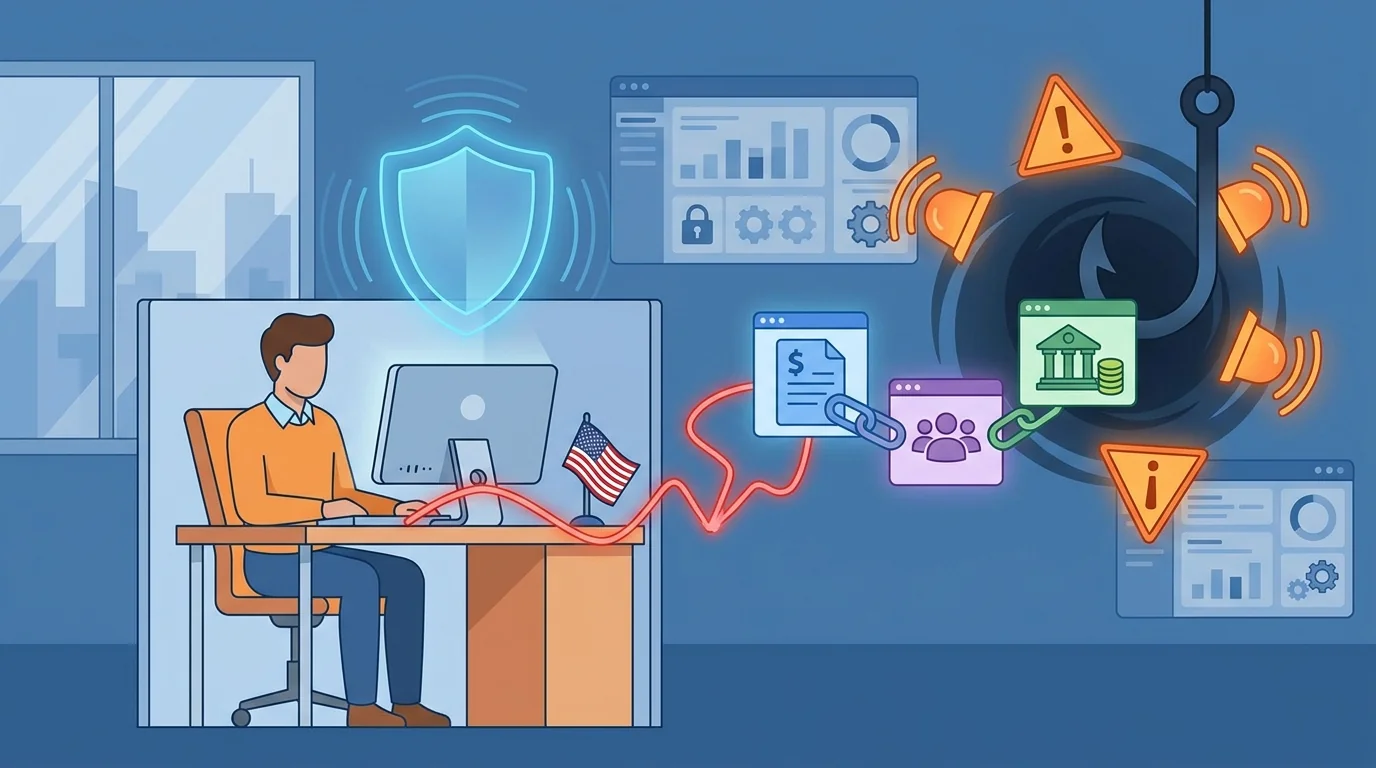
Your payroll manager clicks a link in what looks like a benefits enrollment email. Within seconds, an attacker has their Microsoft 365 login. But the breach doesn’t stop at email. That same credential unlocks your Gusto account, your BambooHR dashboard, your QuickBooks payroll, and every other platform connected through single sign-on. Plug-and-play security solutions for small business aren’t a luxury anymore. They’re the difference between a minor incident and a catastrophic breach.
This pattern, where attackers treat email compromise as merely the first step toward accessing financial and HR systems, has become the default playbook. For businesses with 5 to 50 employees, the stakes are particularly high: you’re running the same interconnected software stack as larger companies but without the security team to monitor for suspicious activity.
Why HR and Payroll Staff Are Primary Targets
Attackers have shifted their focus. They’re not just chasing executives with access to wire transfers. They’re targeting the employee who runs payroll every two weeks, the office manager who handles onboarding paperwork, the bookkeeper who reconciles benefits deductions.
These roles handle three things attackers want badly:
- Direct deposit information: Changing banking details for payroll deposits is a common attack goal. A compromised HR account can redirect employee paychecks to attacker-controlled accounts.
- Social Security numbers and tax forms: W-2 data can be highly valuable to identity thieves. A single breach can expose every employee’s identity.
- Vendor payment access: Payroll staff often have authority to process payments. Business email compromise attacks regularly impersonate vendors requesting payment detail changes.
The person processing your payroll probably isn’t thinking about cybersecurity. They’re thinking about getting checks out on time and handling the latest benefits question. That focus makes them ideal targets for well-crafted phishing emails that appear to come from payroll vendors, benefits providers, or even company leadership.
The Single Sign-On Problem
Single sign-on makes work easier. One login gets you into email, your CRM, your payroll platform, your HR system, and whatever else your company has connected. For employees, this convenience is obvious. For attackers, it’s a force multiplier.
Modern identity providers like Microsoft Entra ID (what used to be called Azure AD) create a centralized authentication point. Once an attacker compromises that identity, they inherit access to every connected application. There’s no need to steal additional passwords or crack separate systems. The identity becomes a master key.
Attackers often move from a compromised mailbox into federated applications, checking the user’s app portal to see what’s connected and then accessing those systems directly. Your HR coordinator’s login doesn’t just open their email. It opens the door to employee records, payroll processing, and potentially your company’s entire financial backend.
This is why auditing your SaaS connections matters so much. You need to know exactly what applications are accessible through your identity provider, because attackers certainly will.
Plug-and-Play Security Solutions Small Business Owners Can Actually Use
Traditional security products assume you have an IT team to configure them, monitor alerts, and respond to incidents. That assumption breaks down fast at a 20-person company where the most technical employee is whoever set up the WiFi router.
Zero-setup cybersecurity training platforms address this gap directly. Instead of requiring weeks of configuration and ongoing management, they work out of the box. You sign up, connect your email system, and automated phishing simulations begin testing your team within days.
The best of these platforms share common characteristics:
- AI-driven customization: They research your industry and company structure, then generate phishing tests that match what your employees would actually receive. An accounting firm gets fake client emails. A medical practice gets fake insurance portal notices.
- Adaptive difficulty: Employees who recognize simulated attacks see progressively harder tests. Those who click get easier ones until their recognition improves. This happens automatically without anyone manually adjusting settings.
- Immediate teaching moments: When someone clicks a simulated phishing link, they see an explanation right then. The learning happens while the mistake is fresh, not in a classroom two months later.
- Simplified dashboards: You see who’s improving and who needs attention without needing to interpret security jargon or parse complicated reports.
The free resources from CISA provide good baseline guidance for small businesses, but implementing them requires someone with time and technical knowledge. Automated platforms take those same principles and apply them without requiring you to become a security expert.
What a Phishing Awareness Training Implementation Guide Should Include
Plenty of businesses have tried phishing training and abandoned it. The common failure modes are predictable: the training was too complicated to set up, too time-consuming to maintain, or too annoying for employees to take seriously.
Effective implementation follows a different path.
Start before a breach, not after. The worst time to begin phishing training is immediately after an incident, when everyone’s panicked and pointing fingers. The best time is when things are calm and you can introduce it as a routine business practice rather than a punishment.
Make it invisible to workflow. Simulated phishing emails should arrive in normal inboxes during normal work hours. There shouldn’t be special training sessions that pull people away from their jobs. The training happens while they’re working, using the same skills they need when real attacks arrive.
Measure the right things. Click rates matter, but trends matter more. A 30% click rate that drops to 15% over three months shows real improvement. A 10% click rate that never changes suggests employees are getting lucky rather than learning.
Target high-risk roles appropriately. Your payroll specialist should see phishing simulations that mimic payroll vendor communications. Your sales team should see fake customer inquiries. Generic “click here for your package delivery” tests don’t prepare people for the attacks they’ll actually face.
Research into small business cybersecurity practices consistently shows that the biggest barrier isn’t technology. It’s time and attention. Business owners and managers are juggling too many responsibilities to add “run phishing simulations” to their weekly task list. That’s exactly why automation matters so much in this space.
Protecting Specific HR and Payroll Systems
The systems you use daily require specific attention. Attackers know the major platforms and craft phishing campaigns tailored to each.
Gusto, ADP, Paychex, and similar payroll services: These platforms send regular legitimate emails about tax filings, direct deposit confirmations, and benefit enrollments. Attackers create near-perfect replicas that redirect to credential-harvesting sites. Train employees to access these platforms by typing the URL directly or using bookmarks rather than clicking email links.
BambooHR, Rippling, Zenefits, and HR platforms: New hire documentation requests are particularly dangerous. An attacker with brief access to your HR system can change banking information, download employee records, or modify benefit enrollments. Enable every available security feature these platforms offer, especially login notifications and change alerts.
QuickBooks, Xero, and accounting software: Invoice fraud often starts with compromised accounting credentials. Attackers can create fake vendors, modify payment details, or export financial records. Separate accounting access from general employee access, and require approval workflows for payment changes.
Your M365 security configuration directly impacts all of these connected systems. Weak email security settings allow phishing attacks through. Strong settings stop many attacks before employees even see them.
Building a Culture Where Reporting Is Normal
The employees who report suspicious emails are more valuable than the ones who simply don’t click. They create an early warning system that protects everyone.
Building that reporting culture requires removing the obstacles. If reporting a suspicious email means finding the IT person’s phone number, explaining why you think it’s suspicious, and waiting for a callback, nobody will bother. If it means clicking a button that says “Report Phishing” in their email client, reporting becomes routine.
Equally important: never punish employees for reporting emails that turn out to be legitimate. The cost of checking a dozen false alarms is trivial compared to the cost of one missed attack. Thank people for reporting, even when they’re wrong. Especially when they’re wrong, actually, because that means they’re paying attention.
The ultimate goal isn’t perfect click rates on simulations. It’s building the habit of suspicion toward unexpected requests, particularly those involving credentials, payments, or personal information. Your staff are your actual defense against social engineering. Technology can help train them and catch some attacks, but human judgment remains the final barrier.
The Cost of Getting This Wrong
Small businesses face disproportionate consequences from payroll and HR breaches. Large companies absorb the legal fees, regulatory fines, and customer notification costs as a line item. For a 30-person company, those same costs can mean closing the doors.
Beyond direct financial loss, consider the employee impact. When someone’s paycheck gets redirected to a criminal’s account, they still need to pay their mortgage. When W-2 data leaks, employees spend years dealing with identity theft consequences. The business that failed to protect that data faces legal liability, but the employees live with the personal fallout.
The FCC’s small business cybersecurity resources provide practical guidance for protecting your business. They do not repeat the widely circulated claim that many small businesses close within months of a serious breach, a statistic that has been publicly disavowed as unsupported. The financial hit combines with reputation damage and customer loss in ways that larger organizations can weather but smaller ones cannot.
Automated phishing protection won’t stop every attack. No security measure does. But it dramatically improves your odds by addressing the most common entry point: the human being who clicks a convincing fake email. For businesses without dedicated security staff, that protection needs to work without constant attention. It needs to run in the background, testing and training your team while you focus on actually running your business.
The tools exist. The question is whether you deploy them before the breach or after.
Start Building Your Human Firewall
Launch a realistic phishing simulation in minutes and get the tools you need to build a cyber-aware team.
This blog offers general information about phishing and cybersecurity for small and medium-sized organisations. It is not legal, financial, or technical advice. Speak to a qualified professional before acting on any guidance you read here.