01 Sep
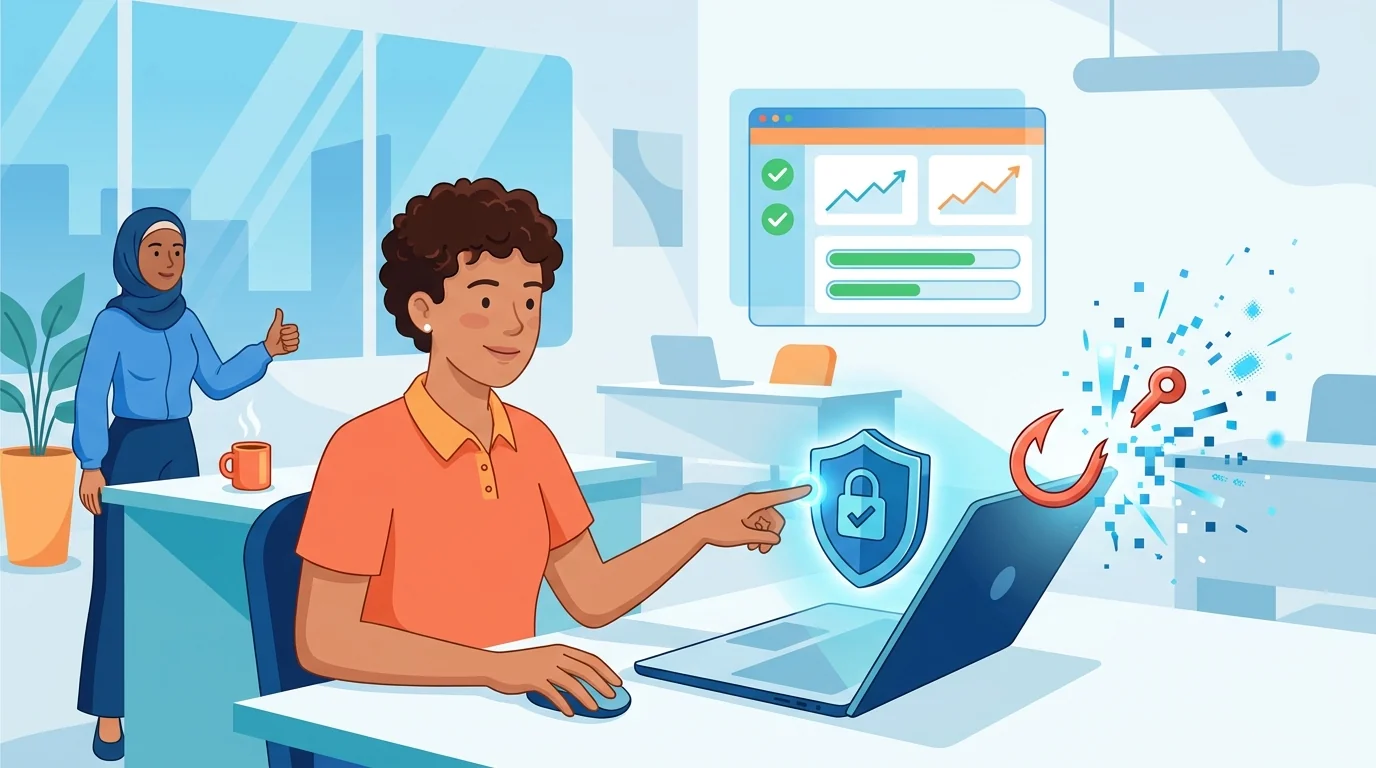
Your employees clicked 47 suspicious links last month. You just don’t know it yet. That’s the uncomfortable reality for most small businesses operating without any form of phishing awareness program. And for companies with 5 to 50 employees, the math is brutal: one successful phishing attack can cost more than your entire annual technology budget.
The good news? Learning how to implement automated phishing training no longer requires an IT department, a six-figure security budget, or weeks of configuration. Modern zero-setup cybersecurity training platforms let you launch effective simulations in the time it takes to finish your morning coffee.
Why Small Businesses Can’t Ignore Phishing Anymore
Attackers specifically target smaller organizations because they know you’re stretched thin. No dedicated security team. No 24/7 monitoring. Limited training budgets. These constraints make you an attractive target, not a low-value one.
The Cybersecurity and Infrastructure Security Agency (CISA) reports that over 90% of successful cyberattacks start with a phishing email. For a 20-person company, that means you need all 20 people to recognize threats consistently. One mistake from one person on one busy afternoon, and your customer data, financial records, or business reputation could be compromised.
Traditional security awareness programs assumed you had someone to run them. A security officer. An IT manager. At minimum, a tech-savvy employee with spare time. Most small businesses have none of these. That gap between need and resources is exactly what automated, plug-and-play security solutions small business owners can actually manage were designed to fill.
What Automated Phishing Training Actually Does
Think of automated phishing simulation as a fire drill for your inbox. The platform sends realistic fake phishing emails to your team, tracks who clicks (and who reports), and provides immediate training when someone takes the bait. All without you lifting a finger after initial setup.
Modern platforms use AI to create phishing attempts that match your industry and employee roles. An accountant gets fake invoice scams. A salesperson receives fake customer inquiries. The attacks look like what your team would actually encounter, not generic “Nigerian prince” emails that nobody falls for anymore.
Research from ScienceDirect examining email phishing training confirms that simulated phishing exercises improve user resilience to real attacks. The key is consistent exposure to realistic threats in a safe environment where mistakes become learning opportunities rather than disasters.
The “Teaching Moment” Approach
When an employee clicks a simulated phishing link, they don’t get an angry email from management. Instead, they see an immediate, brief explanation of what they missed and how to spot similar threats in the future. This just-in-time training sticks better than annual security presentations because the lesson arrives when the mistake is fresh.
The platform tracks patterns over time. Which employees struggle with invoice fraud emails? Who consistently falls for urgent CEO requests? This data lets you focus additional support where it’s needed without guessing.
How to Implement Automated Phishing Training in Under 60 Minutes
The setup process for zero-setup cybersecurity training platforms has been stripped down to the absolute minimum. Here’s what it actually looks like:
Step 1: Connect your employee directory (5-10 minutes). Most platforms integrate directly with Google Workspace, Microsoft 365, or similar systems. Grant the necessary permissions, and the platform pulls your employee list automatically. No manual entry. No spreadsheet uploads.
Step 2: Configure basic settings (10-15 minutes). Choose how frequently you want simulations to run (weekly, bi-weekly, monthly). Select your difficulty starting point (most platforms recommend beginning easier and ramping up). Decide whether to include leadership in the same pool or handle them separately.
Step 3: Review AI-generated campaign content (10-15 minutes). The platform generates phishing templates based on your industry, company size, and common threat patterns. Take a quick look to ensure nothing seems wildly off-target. Most of the time, the defaults work fine.
Step 4: Launch and forget (2 minutes). Hit the start button. The platform handles scheduling, sending, tracking, and training from this point forward. You’ll receive periodic reports, but daily involvement drops to near zero.
If you want a more detailed walkthrough of the implementation process, this 30-minute security overhaul guide breaks down each step with screenshots and common troubleshooting tips.
Choosing the Right Plug-and-Play Security Solution for Your Small Business
Not every platform claiming “easy setup” actually delivers. Look for these specific features when evaluating options:
- True zero-configuration deployment: If setup requires custom DNS records, mail server changes, or IT consultant involvement, it’s not actually zero-setup. The platform should work with standard email integrations out of the box.
- Automatic difficulty scaling: Employees who consistently identify threats should receive harder simulations. Those who struggle should get more practice with basics. Manual adjustment shouldn’t be required.
- Role-specific targeting: Generic phishing tests miss the point. Your bookkeeper faces different threats than your customer service rep. The platform should recognize this automatically.
- Simplified reporting: You need to know whether security is improving without parsing complex dashboards. Look for clear trend lines and plain-language summaries.
- Built-in training content: When someone fails a simulation, the platform should handle the education. Separate training purchases or manual follow-up defeats the “set and forget” purpose.
Price matters, but be careful with free tiers. They often cap at 10-15 users or strip out automation features that make the whole thing work. For a 30-person company, budget around $3-5 per employee per month for a capable platform.
What Happens After You Launch
The first round of simulations often produces uncomfortable results. Don’t panic if 40% of your team clicks something. That’s why you’re running the program.
After 90 days of consistent simulation, many organizations see click rates drop significantly. Some report reductions of 50% or more, though results vary widely depending on industry, baseline security awareness, and the difficulty of the simulations used. More telling than raw numbers: employees start reporting suspicious emails they receive from actual attackers. That shift from passive recipient to active participant is what you’re really building toward.
Some research from UC San Diego and the University of Chicago suggests that traditional one-time training sessions don’t produce lasting behavior change. However, the same research found that even repeated, embedded simulation-based training over eight months and across multiple campaigns showed no significant decline in susceptibility. This suggests that while simulation programs are valuable for building awareness and establishing a reporting culture, organizations should not assume that repetition alone will eliminate phishing susceptibility. Layered defenses, including technical controls like email filtering and multi-factor authentication, remain essential.
Handling Pushback from Employees
Some employees feel “tested” or don’t appreciate being tricked. Address this directly by framing simulations as practice rather than judgment. Nobody gets fired for clicking a training email. The point is building skills in a safe environment.
Consider sharing aggregate results without singling out individuals. “Last month, 23% of the company clicked a simulated phishing email. This month, we’re at 11%. Nice work, team.” Collective improvement feels collaborative rather than punitive.
For teams that need additional context on why this matters, the guide on automating your phishing defense strategy includes talking points for explaining the program to skeptical staff.
Beyond Simulation: Building a Security-Aware Culture
Automated phishing training works best as part of a broader security conversation. A few low-effort additions amplify the impact:
Establish a clear reporting channel. Make it obvious how employees should flag suspicious emails. A dedicated email address ([email protected]) or a Slack channel removes friction from doing the right thing.
Celebrate catches, not just failures. When someone reports a real phishing attempt (or a tricky simulation), acknowledge it. Public recognition reinforces the behavior you want.
Keep leadership visible in the program. If the owner or CEO participates in simulations and occasionally mentions their own near-misses, it signals that security awareness applies to everyone. The “I’m too busy for this” attitude from leadership kills adoption faster than anything.
Update passwords and access controls while you’re at it. Phishing training catches attempts at the human layer. Strong passwords, two-factor authentication, and limited access permissions reduce damage when someone inevitably makes a mistake.
The Cost of Doing Nothing
Small businesses often delay security initiatives because they feel invisible to attackers. That assumption is backwards. Attackers scan for easy targets with poor defenses, and company size has little correlation with targeting likelihood.
A compromised business email leads to wire fraud averaging $120,000 per incident. Ransomware recovery costs for smaller organizations can range from $120,000 to over $1.3 million when you factor in downtime, data loss, and reputation damage, according to current industry data from sources like the Verizon Data Breach Investigations Report. Some industry-wide averages place total recovery costs even higher, between $1.53 million and $1.7 million excluding the ransom payment itself. These numbers don’t include the hours you’d personally spend managing crisis response instead of running your business.
Against that backdrop, a phishing simulation platform costing $150 per month for a 30-person company looks different. The math isn’t complicated.
Automated phishing training won’t make your business bulletproof. Nothing will. But it addresses the single largest attack vector with minimal ongoing effort. For small businesses without security specialists on staff, that efficiency matters as much as effectiveness.
Start simple. Pick a platform. Connect your email system. Launch simulations. Watch the numbers improve over the next quarter. Security doesn’t have to be your full-time job to be part of your business reality.
Start Building Your Human Firewall
Launch a realistic phishing simulation in minutes and get the tools you need to build a cyber-aware team.
This blog offers general information about phishing and cybersecurity for small and medium-sized organisations. It is not legal, financial, or technical advice. Speak to a qualified professional before acting on any guidance you read here.