03 Aug
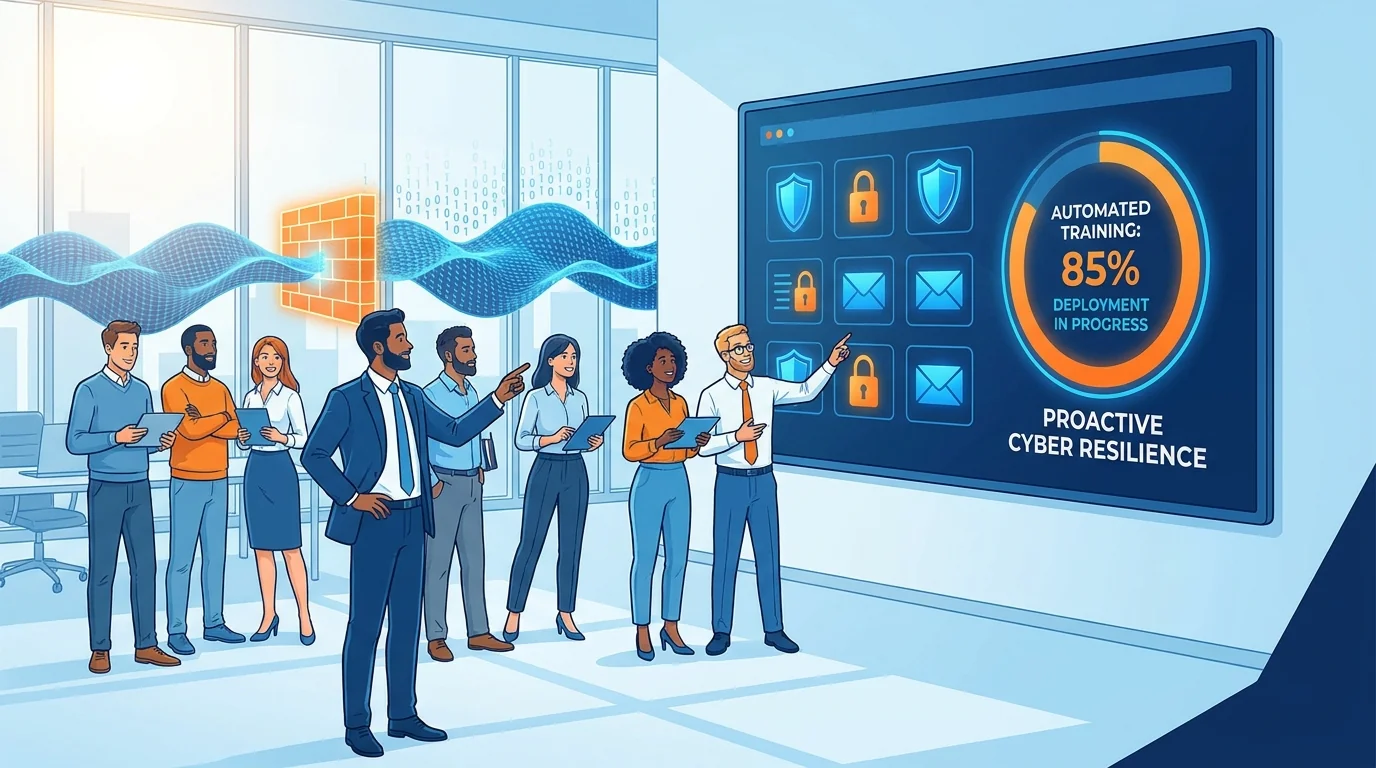
Your business just got hit. Someone clicked a link they shouldn’t have, credentials were stolen, and now you’re dealing with the fallout. The immediate crisis might be over, but here’s what most small business owners don’t realize: the next 30 to 90 days represent your highest risk period. Attackers know you’re vulnerable. They know your employees are rattled. And they’re already planning their next move.
The good news? This same window gives you the best opportunity to understand how to implement automated phishing training that actually sticks. Your team is paying attention now. They’ve seen the consequences. That receptiveness won’t last forever, which is why speed matters more than perfection.
Why the Post-Breach Window Matters for Training
Attackers don’t operate in isolation. When threat groups successfully breach an organization, they frequently sell that access or share intelligence with other criminals. Your compromised email addresses, your internal org chart, your vendor relationships (all of this becomes ammunition for the next attack).
A study published in Computers & Security found that combining cue-based training with attentional awareness techniques significantly improved employees’ ability to spot phishing attempts. The catch? Timing matters enormously. Training delivered in the abstract, during a calm period, produces different results than training delivered when people have just experienced a real threat.
Your employees are primed to learn right now. They’ve felt the stress. They’ve seen colleagues embarrassed or systems locked down. Use that.
The 72-Hour Assessment: What to Check First
Before you can train against future attacks, you need to understand what just happened. Spend the first three days gathering information:
- The attack vector: Was it a spoofed email from a “vendor”? A fake Microsoft login page? A text message pretending to be the CEO? The specific technique tells you where to focus training.
- Who clicked and why: Not to assign blame, but to understand. Was the employee new? Under deadline pressure? Did the phishing email reference a real project or real person?
- What data was exposed: Customer records? Internal emails? Financial information? This determines your notification obligations and helps you anticipate how attackers might use the stolen data.
- Which systems were accessed: Map the damage. Every system touched is a system that needs password resets and access reviews.
This assessment shapes everything that follows. Generic training won’t help if your team keeps falling for the same specific attack pattern.
Setting Up Automated Training Without IT Staff
Most small businesses with 5 to 50 employees don’t have a dedicated security person. The owner wears multiple hats. The office manager handles “tech stuff” when they can. This reality means any training solution needs to run itself after initial setup.
Zero-setup cybersecurity training platforms exist specifically for this situation. The setup process typically takes under an hour:
- Import your employee list: Most platforms accept a CSV file or connect directly to Google Workspace or Microsoft 365.
- Select your industry: This matters because effective phishing simulations reference industry-specific scenarios. An accounting firm gets fake IRS notices. A construction company gets fake permit requests.
- Set the frequency: Start with weekly simulations during the high-risk post-breach period. You can reduce to monthly once your team demonstrates improvement.
- Configure instant feedback: When someone clicks a simulated phishing link, they should immediately see an explanation of what they missed. This “teaching moment” is where actual learning happens.
The platform handles everything else. It sends realistic test emails, tracks who clicks, escalates difficulty for employees who consistently pass, and provides simpler scenarios for those who struggle.
How to Implement Automated Phishing Training That Actually Works
Not all training produces results. Research from UC San Diego found that many traditional cybersecurity training programs fail to prevent employees from clicking on phishing links. The programs that do work share several characteristics:
They’re specific, not generic. Telling employees to “be careful with suspicious emails” accomplishes nothing. Showing them that the email came from “[email protected]” instead of “[email protected]” teaches a concrete skill.
They’re frequent but brief. Monthly hour-long training sessions bore people into compliance theater. Weekly 30-second “gotcha” moments followed by 2-minute explanations create actual behavioral change.
They adapt to the individual. Your receptionist and your accountant face different phishing threats. The receptionist gets fake delivery notices and visitor requests. The accountant gets fake wire transfer authorizations and tax documents. Good automated systems recognize these role differences.
They measure what matters. Click rates are useful but incomplete. Better metrics include: time to report a suspicious email, percentage of simulations reported before clicking, and improvement trends over 90-day periods.
For a detailed walkthrough of the setup process, see this phishing awareness training implementation guide designed specifically for small businesses.
Building Your 30-Day Post-Breach Training Calendar
The first month after a breach requires more aggressive training than normal operations. Here’s a practical schedule:
Days 1-7: All-hands meeting explaining what happened (without naming individuals who clicked). Introduce the new training platform. Send first simulation that mirrors the actual attack your company experienced.
Days 8-14: Second simulation using a different technique. Review click rates from week one. Provide one-on-one coaching for anyone who clicked both simulations.
Days 15-21: Introduce variations on the original attack. If you were hit by a fake Microsoft login, this week’s simulation might be a fake Google login or fake Dropbox notification. Same technique, different brand.
Days 22-30: Test with completely different attack types. If the original breach came through email, try SMS-based simulations or voice phishing awareness content. Measure improvement from week one.
By day 30, you should see measurable improvement in click rates. If you don’t, something in your training approach needs adjustment.
Connecting Training to Your Broader Security Posture
Phishing training doesn’t exist in isolation. The same breach that exposed your need for better employee awareness probably revealed other gaps. Maybe your SaaS applications have excessive permissions. Maybe former employees still have active accounts.
A SaaS identity audit often uncovers permissions that attackers can abuse even without stealing passwords. Consent phishing (where attackers trick users into granting OAuth access to malicious apps) bypasses traditional credential theft entirely. Your training program should address these newer attack patterns.
Measuring Success Over 90 Days
The post-breach high-risk window typically lasts about three months. During this period, track these metrics weekly:
- Simulation click rate: Should decrease from your baseline by at least 50% within 90 days.
- Report rate: The percentage of employees who report suspicious emails (real or simulated) to your designated contact. This should increase.
- Time to report: How quickly employees flag suspicious messages. Faster is better.
- Repeat clickers: Identify employees who click multiple simulations. They need additional support, not punishment.
Research on phishing training efficacy shows that improvement tends to plateau after 90 days without refreshed content. This is why automated platforms that continuously generate new scenarios outperform static training libraries.
What to Do When Someone Keeps Clicking
Every organization has a few employees who consistently fall for simulations. The instinct is frustration, but the response should be curiosity. Why are they clicking?
Common reasons include:
- Role-based pressure: Customer service staff are trained to be helpful. That helpfulness becomes a vulnerability when attackers pose as confused customers.
- Technical unfamiliarity: Older employees or those new to office work may not recognize URL manipulation or sender spoofing.
- Distraction: Employees juggling multiple responsibilities click without fully reading.
- Device differences: Mobile email clients hide sender details that would be obvious on desktop.
Address the root cause, not the symptom. Someone who clicks because they’re overwhelmed needs workload help, not more training videos.
Maintaining Momentum After the Crisis Fades
The biggest challenge with post-breach training isn’t starting. It’s continuing. Three months from now, the breach will feel like ancient history. Employees will get annoyed by simulations. Management will question the ongoing cost.
Build sustainability into your approach from day one:
Automate everything possible. Manual processes get abandoned when other priorities arise. Zero-setup cybersecurity training platforms that run without intervention survive staff turnover and shifting attention.
Share wins publicly. When your click rate drops from 35% to 8%, tell everyone. When an employee catches a real phishing attempt, celebrate it. Positive reinforcement sustains engagement better than fear.
Connect training to business outcomes. The cost of a breach (legal fees, customer notification, reputation damage, lost productivity) dwarfs the cost of prevention. Remind stakeholders of this math regularly.
Your next breach attempt is coming. The only question is whether your team will be ready for it.
Start Building Your Human Firewall
Launch a realistic phishing simulation in minutes and get the tools you need to build a cyber-aware team.
This blog offers general information about phishing and cybersecurity for small and medium-sized organisations. It is not legal, financial, or technical advice. Speak to a qualified professional before acting on any guidance you read here.