15 Sep
You’ve read the headlines about small businesses getting hit by phishing attacks. You know your team could use the practice. But every time you’ve looked into how to implement automated phishing training, you’ve hit the same wall: platforms designed for companies with dedicated IT departments, complex dashboards full of acronyms, and setup processes that seem to require a computer science degree.
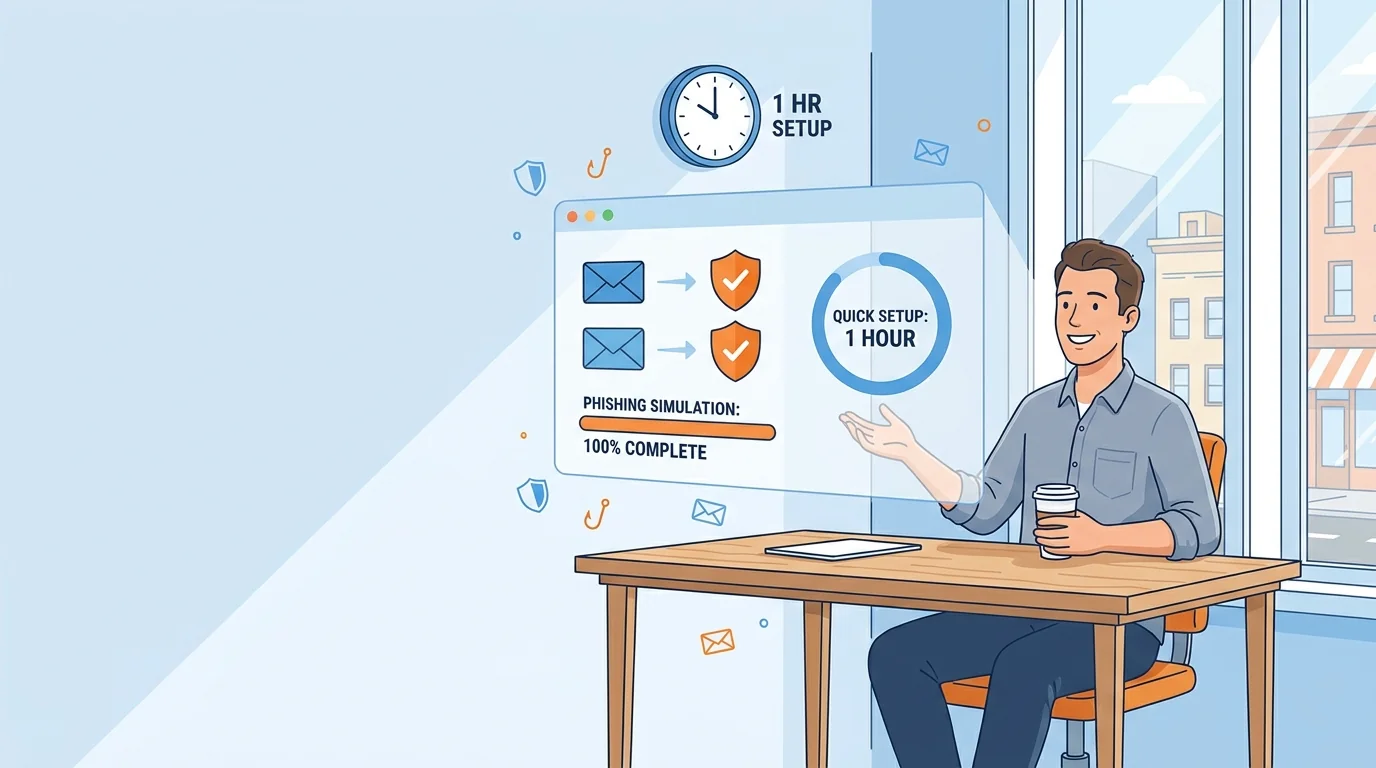
Here’s what nobody tells you: the actual setup for modern zero-setup cybersecurity training platforms takes less time than your morning coffee run. The complexity barrier that kept small businesses out of phishing training has largely disappeared. What remains is a straightforward process that any business owner can complete in under an hour.
Before You Start: What You’ll Need
Gather these items before beginning setup. Having them ready will prevent the stop-and-start frustration that turns a 30-minute task into a multi-day project:
- A list of employee email addresses. A simple spreadsheet works. Include names if you want personalized reporting later.
- Access to your company’s email admin settings. For most small businesses, this means knowing your Microsoft 365 or Google Workspace login. You’ll need this to whitelist the training platform so simulations don’t get caught in spam filters.
- 30-60 uninterrupted minutes. This isn’t a task to squeeze between meetings. Block the time on your calendar.
- A decision about whether to notify employees. Some owners prefer to announce the program; others start quietly. Both approaches have merit, which we’ll discuss shortly.
Step 1: Select Your Platform (10 Minutes)
The phishing training market has split into two distinct categories. Understanding this split will save you from accidentally choosing a platform built for enterprises.
Enterprise platforms like KnowBe4 or Proofpoint offer exhaustive customization, compliance reporting for regulated industries, and integration with corporate security infrastructure. They’re powerful, but the setup reflects their complexity. These platforms assume you have someone whose job is security.
Small business platforms take a different approach. They use automation to handle the decisions that enterprise platforms leave to security teams. Instead of asking you to design phishing templates, they generate them based on your industry. Instead of requiring you to set difficulty levels, they adjust automatically based on how employees perform.
For a business with 5-50 employees and no IT staff, the choice is straightforward. Look for platforms that explicitly advertise setup times under 5 minutes, don’t require you to configure email servers, and offer flat pricing that doesn’t penalize you for having more employees.
Step 2: Create Your Account and Enter Company Details (5 Minutes)
Account creation follows standard patterns: email, password, company name. What happens next varies by platform.
Better platforms will ask about your industry and company size. This isn’t just for marketing segmentation. The platform uses this information to generate phishing simulations that match what your employees actually see. A construction company gets different fake emails than an accounting firm. A 10-person team gets different test volumes than a 50-person operation.
Don’t overthink the industry selection. If your exact category isn’t listed, pick the closest match. The platform will refine its approach based on actual employee behavior over time.
Step 3: Import Your Employee List (5 Minutes)
This step trips up more people than it should. The concern is usually about privacy or employee relations, not technical difficulty.
Most platforms accept a simple CSV file with columns for email address and name. You can create this in any spreadsheet program. Export your employee directory, delete every column except names and email addresses, save as CSV, upload.
If you’re worried about what employees will think, consider this: phishing simulations aren’t surveillance. They’re practice. The goal is building a team that recognizes threats, not catching people doing something wrong. Frame it that way from the start, and the program becomes a positive rather than a source of anxiety.
Step 4: Configure Your Email System (15-20 Minutes)
This is the only step that requires touching your email settings, and it’s also the step most responsible for the “phishing training is complicated” misconception. The reality: you’re adding a few addresses to a list. The M365 configuration process is documented and repeatable.
What you’re doing: telling your email system to let simulation emails through instead of blocking them as spam. Without this step, your carefully planned training program never reaches employee inboxes.
For Microsoft 365:
- Log into admin.microsoft.com
- Navigate to Security & Compliance (or Security depending on your version)
- Find Anti-spam policies
- Add the platform’s sending domains to your allowed senders list
For Google Workspace:
- Log into admin.google.com
- Go to Apps > Google Workspace > Gmail > Spam, Phishing and Malware
- Add the platform’s domains to your email whitelist
Your phishing training platform will provide the specific domains and IP addresses to whitelist. Follow their documentation exactly. If you get stuck, their support team handles these questions constantly.
Step 5: Decide on Your Communication Strategy (5 Minutes)
You have three options for telling employees about the program:
Option A: Full transparency. Send a company-wide email explaining that you’re implementing phishing training, what it involves, and why. Employees know simulations are coming. This approach builds trust but may slightly reduce the realism of early tests.
Option B: Silent start. Begin simulations without announcement. Employees experience the training naturally. After the first round, explain the program. This gives you a true baseline measurement but can feel sneaky if handled poorly.
Option C: General awareness. Mention at a meeting that you’re strengthening company cybersecurity practices without specifying phishing simulations. This middle ground maintains some realism while avoiding the impression of deception.
There’s no universally correct answer. Your company culture should guide the decision. What matters most is consistency between your approach and how you handle the results. If you start silently, avoid public shaming of anyone who clicks. If you start transparently, acknowledge that early results may not reflect normal behavior.
Step 6: Launch Your First Campaign (5 Minutes)
With employees imported and email configured, launching the first simulation is usually one button click. Automated platforms handle the rest: selecting which simulation to send, staggering delivery so emails don’t all arrive simultaneously, and tracking who clicks.
Resist the urge to start with your most sophisticated test. The goal of the first campaign isn’t catching people; it’s establishing a baseline. Research on phishing training effectiveness confirms that value comes from repeated practice over time, not from how clever any single simulation is.
Most platforms default to beginner-level simulations for the first round. Trust the defaults. You’ll have plenty of time to increase difficulty later.
Understanding Your First Results
Results from your first simulation will arrive within hours. Here’s how to read them without overreacting.
Click rates between 10-30% are normal for organizations that haven’t done formal training before. If your number falls in this range, your team is typical, not uniquely vulnerable.
Individual names matter less than patterns. Did clicks cluster in one department? Did senior staff perform differently than newer hires? These patterns inform where to focus future attention.
Report rates matter as much as click rates. If employees are reporting suspicious emails to you (or using your platform’s reporting button), that behavior is exactly what you want. A team that clicks sometimes but reports consistently is safer than one that neither clicks nor reports.
One study from UC San Diego found that single training sessions don’t create lasting change. Don’t expect transformation from one simulation. The value accumulates across months of regular practice.
What Happens After Setup
The implementation work ends here. Everything from this point forward happens automatically if you’ve chosen the right platform.
Simulations will continue on a schedule determined by the platform’s algorithms. Difficulty will increase as employees improve. Employees who click will receive immediate teaching moments explaining what they missed and how to spot similar threats in the future.
Your ongoing involvement consists of reviewing monthly reports and adjusting settings if something seems off. For most small businesses, this takes 15-20 minutes monthly.
The zero-setup approach to phishing awareness training implementation means you’re not designing campaigns, writing simulation emails, or analyzing detailed metrics. The automation handles those tasks while you run your actual business.
Common Questions From First-Time Implementers
What if an employee gets angry about being “tricked”? Frame training as practice, not testing. Pilots practice emergencies in simulators; your team practices spotting phishing. Same concept, lower stakes than a real incident.
Should I exclude myself from simulations? No. Seeing the simulations yourself helps you understand the employee experience and demonstrates that security applies to everyone equally.
How often should simulations run? Most platforms default to 1-2 per employee monthly. This frequency balances skill-building against inbox annoyance. Trust the defaults initially; adjust based on feedback after a few months.
What if someone clicks every single time? This happens occasionally. Speak privately with that employee about what they’re finding confusing. Sometimes the issue is unfamiliarity with your email system, not inattention to security cues.
The One-Hour Investment That Keeps Paying
You’ve just spent roughly an hour reading this guide. If you started setup at the beginning, you’d be done by now. The gap between “knowing you should do phishing training” and “actually having it running” is smaller than it appears.
The platforms designed for small businesses exist specifically because the old barriers (cost, complexity, IT requirements) kept too many companies unprotected. Those barriers are gone. What remains is a decision: implement today, or add it to the list of security tasks you’ll get to eventually.
Eventually, for small businesses, often means after an incident. The hour spent today prevents that from being your story.
Start Building Your Human Firewall
Launch a realistic phishing simulation in minutes and get the tools you need to build a cyber-aware team.
This blog offers general information about phishing and cybersecurity for small and medium-sized organisations. It is not legal, financial, or technical advice. Speak to a qualified professional before acting on any guidance you read here.