02 Oct
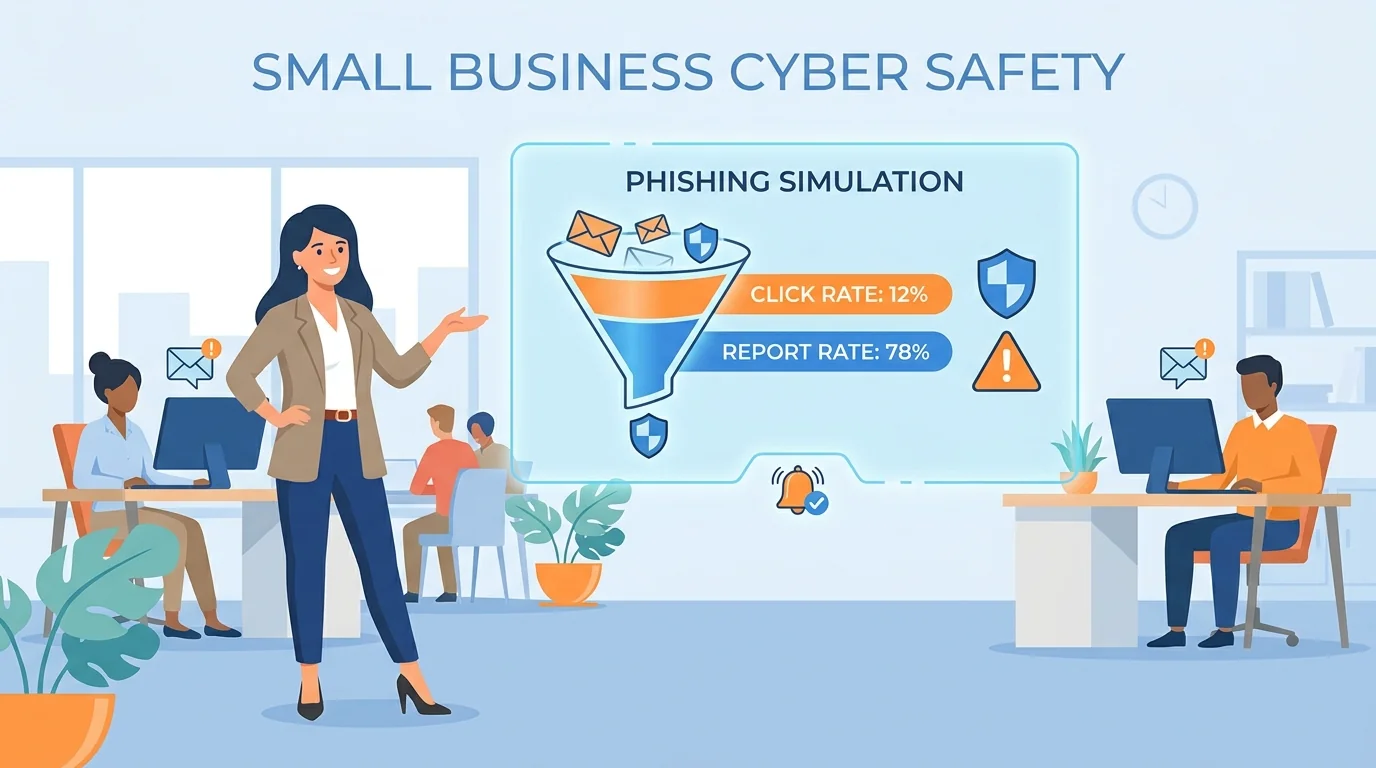
If you run the office at a company with 20 or 30 people, chances are nobody handed you a security budget or a training plan. You just got asked to “do something about phishing” because the owner read an article or a client sent a worried email. Learning how to implement automated phishing training sounds like a project for an IT department you do not have.
It is not. The tools built for small businesses now handle almost all of the technical work. Your job is closer to running a fire drill than configuring software: pick a date, tell people it is coming, watch what happens, and use the results to start a conversation. Here is what that looks like from start to finish.
Why This Matters More Than You Might Think
Small businesses are not too small to be targeted. They are often targeted precisely because they are small. Employees at companies with fewer than 100 staff face roughly 350% more social engineering attacks than employees at larger firms, according to Barracuda’s spear-phishing research. Verizon’s 2025 Data Breach Investigations Report found that more than 90% of breached organizations were businesses with fewer than 1,000 employees, and that 88% of small and medium business breaches involved ransomware, compared with 39% at large enterprises.
The resource gap makes it worse. Roughly 43% of small businesses have no dedicated cybersecurity staff member, and 47% of businesses with fewer than 50 employees spend nothing at all on cybersecurity. That leaves people like you handling it alongside payroll, scheduling, and vendor calls.
Federal agencies treat phishing simulations as a baseline practice, not an advanced one. CISA, the NSA, the FBI, and MS-ISAC all recommend that small and medium organizations run a standard anti-phishing training program with annual refresher material. CISA’s Cybersecurity Performance Goals go further and suggest monthly simulations with tracking of click rates and reporting rates. NIST publishes free anti-phishing training resources for small businesses, and the FTC maintains its own phishing training guidance aimed at organizations without security teams.
No federal law requires a private small business to run simulations. In regulated industries like finance and healthcare, broader security-awareness training may be tied to compliance, but for most companies this is a recommended practice rather than a legal obligation.
Before You Touch Any Software: Three Things to Settle
1. Get leadership and HR on board
You do not want the owner to be surprised when employees start forwarding suspicious emails. Explain what a simulation is, what it is not, and what you plan to do with the results. Agree up front that nobody will be disciplined for clicking. If that promise is not solid, the whole program backfires.
2. Add a line to your employee handbook or acceptable-use policy
This is the step most first-timers skip, and it matters. Workplace monitoring law applies once you are sending test emails to staff and tracking who opens them. The federal Electronic Communications Privacy Act of 1986 generally permits employer monitoring of company systems when one party consents, and employer-provided notice plus continued use of company equipment typically establishes that consent.
Some states go further. Delaware requires written or electronic notice before monitoring email, internet, or phone usage. New York, effective May 2022, requires written notice at hiring that the employer monitors email or internet access, a conspicuously posted notice, and an acknowledgment from each employee. Connecticut requires prior written notice built into onboarding documents or the handbook. Secondary sources disagree on exactly which other states impose notice rules, so if you have staff in multiple states, have counsel review the language before you publish it.
A simple paragraph noting that the company may send simulated phishing emails for training purposes, kept with a signed or electronic acknowledgment, satisfies the stricter states and is sound practice everywhere else.
3. Decide what success looks like
Write it down before the first campaign. “Reduce the click rate over six months and increase how often people report suspicious emails” is a workable goal. “Get everyone to zero clicks” is not, and chasing it will make you unpopular.
Setting Up Your First Campaign
Small-business platforms have compressed this step to almost nothing. Many now generate industry- and role-specific lures automatically, so a dental office gets appointment-related emails while a construction firm gets invoice and supplier messages. Setup usually involves connecting your email directory, choosing a difficulty level, and picking a send window.
If you want a fuller picture of what the setup flow looks like, our walkthrough on implementing automated phishing training in under an hour covers the mechanics in detail. The short version: you do not need to write the emails yourself, and you do not need to build a schedule from scratch.
Three settings worth getting right on day one:
- Start at the easiest difficulty. Your first campaign should be recognizable. A fake package delivery notice with an obviously odd sender address is a fine opener. You are establishing a baseline, not testing anyone.
- Exclude new hires and anyone going through a hard time. A simulation landing during someone’s first week, or the week after a layoff announcement, teaches nothing and costs trust.
- Turn on immediate feedback. The moment someone clicks should produce a short, private explanation of what gave the email away. That single feature is where most of the learning happens.
Telling Your Team Without Causing Panic
Announce the program before the first email goes out. Not the exact date, but the fact that it is happening. Something like: “Starting next month, we’ll occasionally send test phishing emails so everyone can practice spotting them. If you click one, you’ll get a short note explaining what to look for. There’s no penalty, and we’d rather you click a fake one here than a real one at home.”
That framing does two things. It removes the gotcha feeling, and it gives people permission to fail in front of their colleagues, which is the only way the training works at all.
Two things to avoid. Do not publish a leaderboard of who clicked. Research and practitioner guidance consistently warn that public shaming makes employees less likely to report real incidents, because they start hiding mistakes instead of surfacing them. And do not use lures that play on fear, such as fake layoff notices or fake security breach alerts. Those generate resentment, not vigilance.
Do celebrate the people who report the simulated email. A quick acknowledgment in a team meeting or a small reward for reporting goes further than any click-rate chart.
Reading Your Results Without Panicking
Your first click rate will probably look high. That is normal and it is not a reflection on your hiring.
KnowBe4’s 2025 Phishing by Industry Benchmarking Report, which analyzed more than 67 million simulations across 14.5 million users, found a global average baseline phish-prone percentage of 33.1%. For companies with 1 to 250 employees, the baseline averaged 24.6%. So if a quarter of your staff clicks the first test, you are squarely in line with the typical small business.
Improvement comes fast with consistency. In the same dataset, click rates fell by 40% within three months of training and dropped to 4.1% after twelve months of continuous training, an overall improvement of 86%.
Click rate is only half the story, though. Verizon’s 2025 DBIR discusses social engineering and phishing patterns affecting small and medium businesses, and reporting rates are a key measure of resilience. CISA and NIST both encourage organizations to measure resilience rather than failure, which means your reporting rate matters as much as your click rate.
If you want a deeper look at why training sometimes fails to stick, the largest study of anti-phishing training effectiveness to date, covering 19,500 employees, is worth reading. That study found no significant difference in phishing susceptibility between trained and untrained employees overall, concluding that current anti-phishing training programs offer limited value on their own.
Building a Rhythm That Lasts
One campaign is a snapshot. The value comes from repetition. CISA’s performance goals point toward monthly simulations, and the benchmarking data supports frequent, short cycles over rare, long ones. A practical starting point for a small office is one campaign per month at a difficulty that adjusts as your team improves.
Between campaigns, keep it light. Forward a real phishing example to the team with a one-line note about what stood out. Mention the reporting rate in your monthly update alongside the click rate. If two or three people keep clicking, reach out privately and offer a short one-on-one walkthrough rather than another round of company-wide tests.
If your company runs on Microsoft 365, tightening your email configuration alongside the training closes off a lot of the easy attacks before they arrive. Our guide to the M365 security audit for small businesses covers the settings worth checking.
What You Actually Need to Get Started
Not much. A directory of employee email addresses, a paragraph in your handbook, a short announcement to the team, and an hour to configure the platform. The technical complexity that used to make this a project for IT has largely been absorbed by the software, which means the remaining work is mostly communication.
That is the part you are already good at. Run the first campaign, expect a click rate somewhere near a quarter, resist the urge to make it a competition, and let the immediate feedback do the teaching. Six months from now, the same test will tell a very different story.
Start Building Your Human Firewall
Launch a realistic phishing simulation in minutes and get the tools you need to build a cyber-aware team.
This blog offers general information about phishing and cybersecurity for small and medium-sized organisations. It is not legal, financial, or technical advice. Speak to a qualified professional before acting on any guidance you read here.