23 Mar
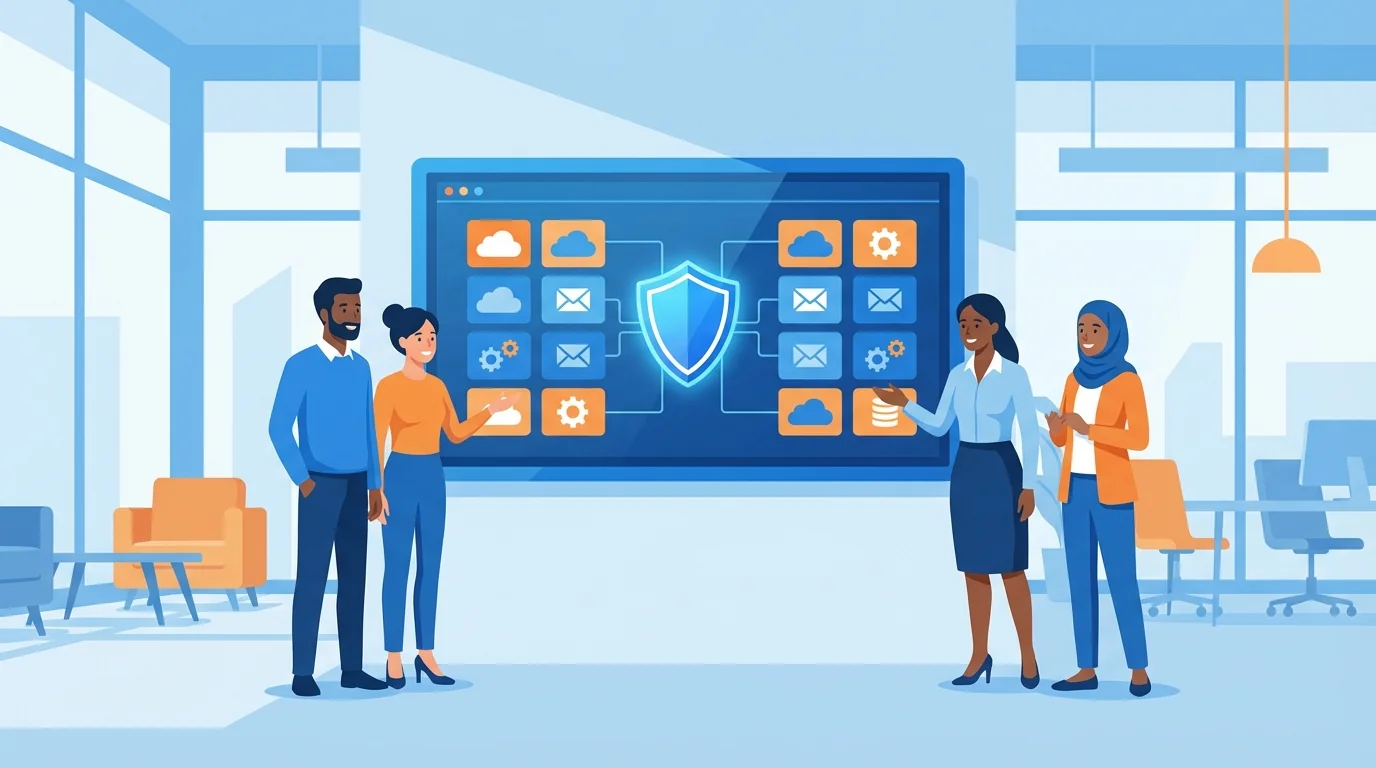
Your accounting software lives in the cloud. So does your CRM, your email, your project management tool, and probably a dozen other applications your team uses daily. Each one represents a door that phishing attackers will try to open. A significant challenge for small businesses is that most small business owners running 5 to 50 employees don’t have an IT department, let alone a security specialist.
Phishing awareness training requires minimal technical knowledge and zero ongoing maintenance once configured. Most steps can be completed in an afternoon, and the protection they provide compounds over time as employees get better at spotting threats.
Step 1: Audit Your SaaS Application Inventory
Before you can protect anything, you need to know what you’re protecting. Most small businesses underestimate how many cloud applications they actually use. A company with 20 employees typically runs dozens of different SaaS tools, and each one stores some form of sensitive data.
Start by listing every application that requires a login. Include the obvious ones like Microsoft 365 or Google Workspace, but don’t forget industry-specific tools, payment processors, HR platforms, and file-sharing services. For each application, note who has access and what level of permissions they hold.
This inventory becomes your attack surface map. Phishing emails don’t just target email credentials anymore. Attackers craft messages that impersonate Dropbox sharing notifications, QuickBooks invoice alerts, and Slack direct messages. Knowing which services your team uses helps you anticipate which fake notifications might land in their inboxes.
The SaaS identity audit checklist provides a detailed process for reviewing application access and revoking unnecessary permissions.
Step 2: Enable Multi-Factor Authentication Everywhere
Multi-factor authentication (MFA) stops a vast majority of automated account takeover attempts. This effectiveness makes this one of the highest-impact security measures you can deploy. Yet many small businesses skip it because they assume the setup process is complicated.
Modern SaaS applications make MFA straightforward. Most offer built-in options that work with authenticator apps like Google Authenticator or Microsoft Authenticator. The setup typically takes a short amount of time per application.
Start with your most sensitive systems: email, financial software, and any application containing customer data. Then work through your inventory systematically. When an employee clicks a phishing link and enters their password on a fake login page, MFA becomes the barrier that prevents the attacker from actually accessing the account.
A few practical tips: avoid SMS-based verification when possible (authenticator apps are more secure), keep backup codes in a secure location, and make sure at least two people in your organization have admin access to each application in case someone gets locked out.
Step 3: Configure Email Security Settings
Your email provider includes security features that many small businesses never activate. These settings filter out obvious phishing attempts before they reach employee inboxes.
In Google Workspace, go to the Admin Console, then Apps, then Gmail, then Safety. Enable enhanced pre-delivery message scanning, protect against spoofed employee names, and turn on external recipient warnings. These three settings alone will flag many common phishing tactics.
Microsoft 365 users should access the Microsoft Defender portal (security.microsoft.com) and Microsoft Purview (purview.microsoft.com) to configure Safe Links (which scans URLs in real-time) and Safe Attachments (which opens suspicious files in a sandbox before delivery). The built-in preset security policies provide reasonable defaults for organizations without dedicated security staff.
Both platforms allow you to create rules that add warning banners to emails from external senders. This simple visual cue reminds employees to scrutinize messages that appear to come from colleagues but actually originate outside your organization.
Step 4: Deploy Zero-Setup Cybersecurity Training Platforms
Reading about phishing tactics differs from experiencing them. Training programs that send simulated phishing emails give employees practical experience identifying threats in a safe environment. Research on phishing training effectiveness shows that simulated exercises produce measurable improvements in detection rates.
Traditional security awareness programs required dedicated administrators to design campaigns, select templates, schedule sends, and analyze results. Zero-setup cybersecurity training platforms automate this entire process. You connect your email system, and the platform handles everything else.
The best platforms use AI to research your industry and create realistic simulations. A construction company receives fake equipment supplier invoices. An accounting firm gets fraudulent client document requests. This specificity matters because generic phishing tests don’t prepare employees for the targeted attacks they’ll actually face.
Look for platforms that provide immediate feedback when someone clicks a simulated phishing link. This “teaching moment” approach, delivered shortly after the mistake, creates stronger learning associations than quarterly training sessions. Studies on phishing simulation engagement confirm that immediate, contextual feedback outperforms delayed instruction.
Step 5: Establish Clear Reporting Procedures
When employees spot a suspicious email, they need a simple way to report it. Without a defined process, most people either delete the message and move on or, worse, click through just to see what happens.
Create a dedicated email address like [email protected] or [email protected]. Train employees to forward questionable messages there rather than clicking any links. Some organizations install a “Report Phishing” button directly in their email client, which makes reporting as easy as marking something as spam.
The person monitoring that inbox (even if it’s just you checking once daily) should respond to every report. A quick “Thanks, this was a legitimate phishing attempt, good catch” or “This one’s actually safe, here’s why” reinforces the behavior you want. Employees who feel their reports matter will keep reporting.
Track what gets reported over time. Patterns emerge. If multiple employees forward the same suspicious message, you know a targeted campaign is hitting your organization. This early warning gives you time to alert the rest of your team before more people fall for it.
Step 6: Implement Automated Phishing Training Schedules
One-time training doesn’t work. Employees forget. Threats evolve. New hires join without the context that veterans have built up. Effective phishing defense requires ongoing reinforcement.
The good news: automation handles this without adding to your workload. Platforms that understand how to implement automated phishing training will send simulations at randomized intervals, adjust difficulty based on individual performance, and escalate training for employees who repeatedly click.
A reasonable starting cadence involves sending simulated phishing emails at regular intervals. Employees who consistently identify threats might receive harder simulations or less frequent tests. Those who struggle get additional practice and, if available, short video modules explaining what they missed.
The cyber-fraud prevention checklist outlines a more detailed training schedule for businesses ready to expand their program.
Set calendar reminders to review aggregate results quarterly. You’re looking for trends: Is the overall click rate declining? Are certain departments struggling more than others? Do specific attack types (fake invoices versus password reset requests) catch more people? These insights help you target additional training where it’s needed.
Step 7: Test Your Incident Response
Eventually, someone will click something they shouldn’t. What happens next determines whether that mistake becomes a minor inconvenience or a serious breach.
Document a simple incident response procedure. It doesn’t need to be elaborate. Cover these basics:
- Who should the employee contact immediately? (Name and phone number, not just email)
- What information should they provide? (The suspicious message, what they clicked, what they entered)
- What immediate steps should they take? (Disconnect from WiFi, change passwords, etc.)
- Who has authority to disable accounts or reset credentials?
Print this procedure and post it somewhere visible. During an actual incident, people panic. Having clear instructions on the wall beats searching through email for a document they vaguely remember receiving.
Test the procedure at least once. Pick a random employee, tell them to pretend they just clicked a phishing link, and walk through the response process. Time how long it takes. Identify bottlenecks. Maybe the designated contact person is unreachable. Maybe nobody knows how to disable an account in your HR system. Better to discover these gaps during a drill than during an actual attack.
The SME cybersecurity checklist includes additional guidance on preparing for sophisticated attacks that bypass initial defenses.
Putting It All Together
These seven steps build on each other. Your SaaS inventory informs which applications need MFA. Email security settings reduce the volume of threats that reach employees. Training prepares them for the attacks that slip through. Reporting procedures surface threats early. Automated schedules maintain vigilance over time. And tested incident response limits damage when prevention fails.
None of this requires a security team. A business owner or office manager can complete the initial setup in a few focused hours. The ongoing maintenance, if you’ve chosen the right automated tools, approaches zero.
The cost of inaction is measurable. According to research on phishing awareness training adoption, organizations that deploy training programs see meaningful reductions in successful phishing attacks over time. Small businesses that skip this work face the same threats as larger organizations but absorb proportionally greater damage when breaches occur.
Start with step one. Audit what you have. Then work through the list at whatever pace your schedule allows. Each completed step reduces your exposure. By the time you reach step seven, your workforce will be meaningfully harder to phish than it was before you started.
Start Building Your Human Firewall
Launch a realistic phishing simulation in minutes and get the tools you need to build a cyber-aware team.
This blog offers general information about phishing and cybersecurity for small and medium-sized organisations. It is not legal, financial, or technical advice. Speak to a qualified professional before acting on any guidance you read here.