25 May
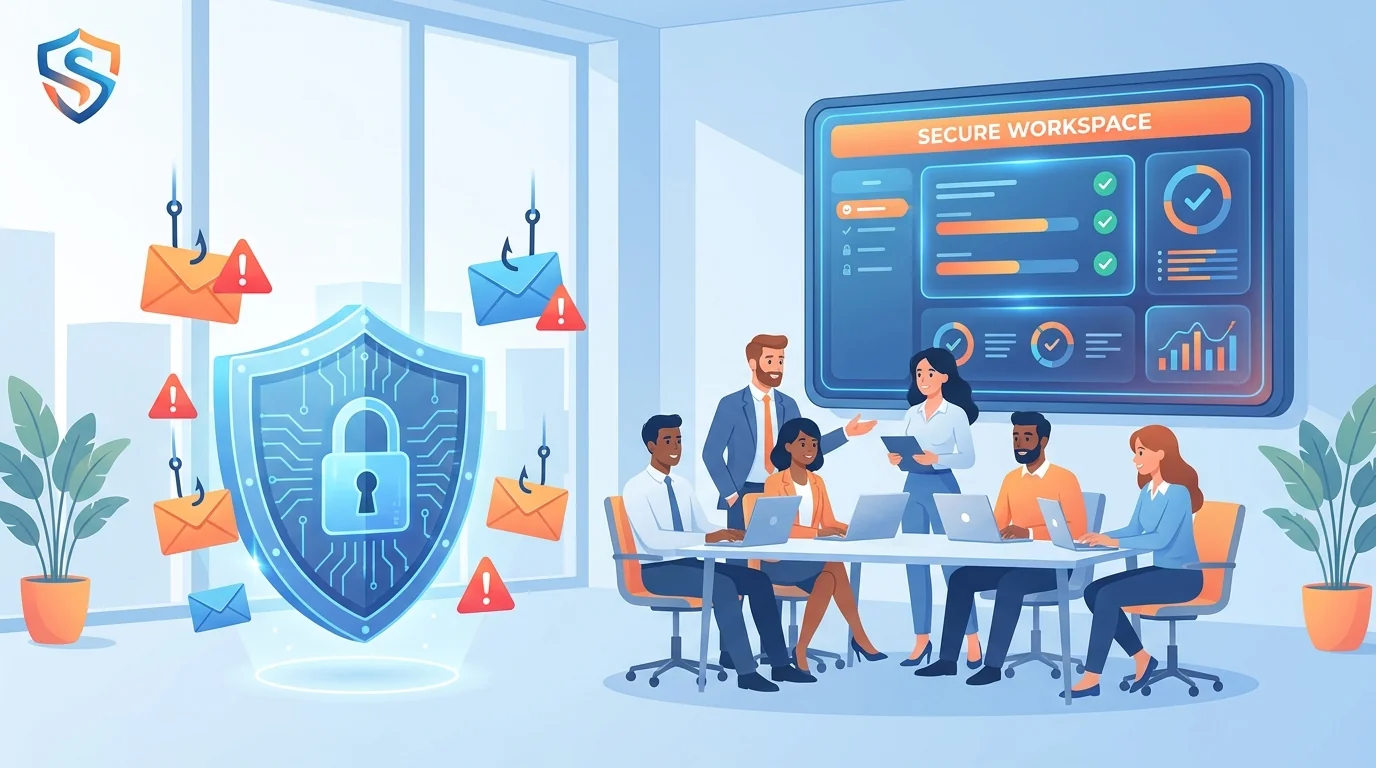
Penetration testers have a favorite target, and it’s not your firewall. It’s your receptionist. Your accounts payable clerk. Your sales manager who clicks on everything. When security auditors run a pen test against your business, they’ll probe your technical defenses, sure. But they’ll also send carefully crafted phishing emails to see who takes the bait.
For small businesses, typically with 5 to 50 employees, this human element often determines whether a pen test reveals minor issues or exposes serious gaps. Fortunately, you can prepare your team before the auditors arrive. Hardening employee defenses in the weeks leading up to a penetration test involves several specific steps.
Step 1: Run a Baseline Phishing Simulation
You can’t improve what you don’t measure. Before any pen test, you need to know where your team stands right now. An automated phishing training for small business platform can run a baseline simulation in minutes, showing you exactly which employees click suspicious links, which ones report them, and which ones ignore them entirely.
This baseline serves two purposes. First, it identifies your highest-risk employees so you can prioritize training. Second, it gives you a comparison point for measuring improvement after the pen test concludes.
When running your baseline, use realistic scenarios that match your industry. A construction company should receive fake invoice emails. A medical practice should see appointment confirmation scams. Generic “You’ve won a prize!” emails won’t tell you much about how employees respond to targeted attacks.
Document your baseline metrics: click rate, report rate, and time-to-click. If a significant portion of your team clicks within a short timeframe, that’s information the pen testers will likely discover anyway. Better you know first.
Step 2: Identify and Brief High-Risk Roles
Some employees face more phishing attempts than others. Your finance team handles wire transfers and payment information. Your executive assistant has access to sensitive calendars and contacts. Your IT administrator can reset passwords and access systems. These roles attract targeted attacks because compromising them yields bigger payoffs.
Create a list of high-risk roles in your organization. For a typical small company, this might include:
- Anyone with authority to approve payments or transfers
- Staff who regularly handle customer financial data
- Employees with administrative access to business systems
- People whose email addresses appear publicly on your website
Brief these employees individually. Explain that penetration testers often target specific roles with customized attacks. A pen tester might research your CFO on LinkedIn, then send an email that references a recent conference they attended. This kind of personalized attack, sometimes called spear phishing, catches people who would normally spot generic scams.
Step 3: Review and Tighten Email Security Policies
Your email policies might exist on paper but not in practice. Before a pen test exposes this gap, review what you’ve documented and check whether employees actually follow it.
Start with your password policy. Are employees using unique passwords for business accounts? Do they have multi-factor authentication enabled? According to CISA’s phishing guidance, multi-factor authentication remains one of the most effective defenses against credential theft, even when employees fall for phishing attempts.
Next, check your reporting procedures. Do employees know exactly what to do when they receive a suspicious email? The process should be simple: a dedicated email address, a button in the email client, or a clear chain of command. If reporting requires more than two steps, people won’t do it.
Finally, review your policies around external links and attachments. Some businesses require verbal confirmation before opening attachments from new contacts. Others block certain file types entirely. Whatever your policy, make sure employees know it and follow it.
Step 4: Conduct Role-Specific Training Sessions
Generic security training puts people to sleep. Role-specific training gets their attention because it addresses threats they actually face. A zero-setup cybersecurity training platform can generate scenarios tailored to different job functions, but even without automation, you can customize your approach.
For your finance team, focus on business email compromise. Show examples of fake vendor emails requesting payment changes. Walk through the red flags: urgency, unusual payment methods, slight variations in email addresses. Practice the verification steps they should take before processing any payment change request.
For your sales team, cover fake customer inquiries. Attackers sometimes pose as potential clients to extract information or deliver malware through “RFP documents.” Train your salespeople to verify new contacts before opening attachments.
For everyone, cover the basics: hovering over links before clicking, checking sender addresses carefully, and treating urgency as a warning sign rather than a reason to act quickly. Research published in ScienceDirect suggests employees respond more readily to phishing simulations that use urgency and authority cues, exactly the tactics real attackers employ.
Step 5: Establish Clear Reporting Channels
During a pen test, your employees will likely receive suspicious emails. The question is whether they’ll report them or ignore them. A clear, simple reporting channel makes the difference.
The best reporting systems require minimal effort. A “Report Phishing” button directly in the email client works well. If that’s not available, a dedicated email address like [email protected] serves the same purpose. The harder you make reporting, the less it happens.
But having a channel isn’t enough. Employees need to know it exists and feel comfortable using it. Some people worry they’ll look foolish for reporting a legitimate email. Others don’t want to bother anyone. Address these concerns directly: tell your team that you’d rather receive 50 false reports than miss one real attack.
Test your reporting channel before the pen test. Send a clearly marked test email and ask employees to report it. This accomplishes two things: it verifies the technical process works, and it gives employees practice using it.
Step 6: Brief Leadership on Social Engineering Tactics
Pen testers don’t limit themselves to email. They might call your front desk pretending to be IT support. They might send a text message claiming to be the CEO. They might even show up in person claiming to be a vendor. Your leadership team needs to understand these tactics and set expectations for how employees should respond.
Social engineering attacks succeed because they exploit normal human behavior: the desire to be helpful, respect for authority, fear of causing problems. A pen tester calling as “IT support” might ask an employee to read off their password “to verify the account.” Without training, many people comply.
Brief your leadership on common social engineering approaches:
- Pretexting: Creating a fake scenario to extract information
- Baiting: Leaving infected USB drives in parking lots or common areas
- Tailgating: Following an employee through a secure door
- Vishing: Voice phishing through phone calls
Leadership should communicate to all employees that it’s acceptable, even expected, to verify unusual requests through a separate channel. If someone calls claiming to be the CEO and requests an urgent wire transfer, employees should feel empowered to call the CEO’s known number to confirm.
Step 7: Document Everything and Set Success Metrics
A pen test produces a report. Your preparation should produce documentation too. This creates accountability and helps you measure whether your training actually worked.
Before the pen test begins, document:
- Your baseline phishing simulation results (click rates, report rates)
- Which employees received additional training
- What policies you reviewed or updated
- When you briefed leadership and what you covered
Set specific success metrics. Define your success metrics clearly. Maybe you want only a low percentage of employees to click on the pen tester’s phishing emails. Maybe you want employees to report the suspicious email promptly. Whatever your targets, write them down.
After the pen test, compare results against your baseline. If your click rate dropped significantly, your preparation worked. If it stayed the same or got worse, you’ve learned something about what kind of training your team actually needs.
Preparing for What Pen Testers Actually Do
Pen testers think like attackers. They’ll research your company on LinkedIn, find employee names on your website, and craft emails that reference real projects or events. They might time their attacks for Friday afternoon when people are tired and rushing to finish tasks.
Understanding this helps you prepare. If your company just announced a merger, expect phishing emails about “new HR policies.” If you recently switched vendors, expect fake invoices from the old vendor. Pen testers read the same news your employees do.
The UK’s National Cyber Security Centre recommends building organizational resilience against phishing through layered defenses: technical controls, clear policies, and trained employees. A pen test evaluates all three. Your preparation should address all three.
For small businesses without dedicated IT staff, this might feel overwhelming. It doesn’t have to be. Following ethical training guidelines means you can run simulations without creating fear or resentment. The goal is building awareness, not catching people in gotcha moments.
The Week Before the Pen Test
In the final week before your penetration test, do a quick review. Send a reminder to all employees that security awareness matters. Don’t reveal that a pen test is coming (that would defeat the purpose), but reinforce the basics: think before clicking, report anything suspicious, verify unusual requests.
Check that your reporting channel works. Confirm that whoever monitors it knows to escalate reports quickly. During the pen test, a fast report might prevent the testers from gaining deeper access.
Review your baseline metrics one more time. You’ll want to compare them against the pen test results when the report arrives.
Your employees are your last line of defense. Technical controls fail. Filters miss things. But a well-trained employee who pauses before clicking, who reports instead of ignoring, who verifies instead of assuming, that employee stops attacks that everything else missed. Following these steps prepares your team to be that line of defense, not just during the pen test, but every day after.
Start Building Your Human Firewall
Launch a realistic phishing simulation in minutes and get the tools you need to build a cyber-aware team.
This blog offers general information about phishing and cybersecurity for small and medium-sized organisations. It is not legal, financial, or technical advice. Speak to a qualified professional before acting on any guidance you read here.