09 Mar
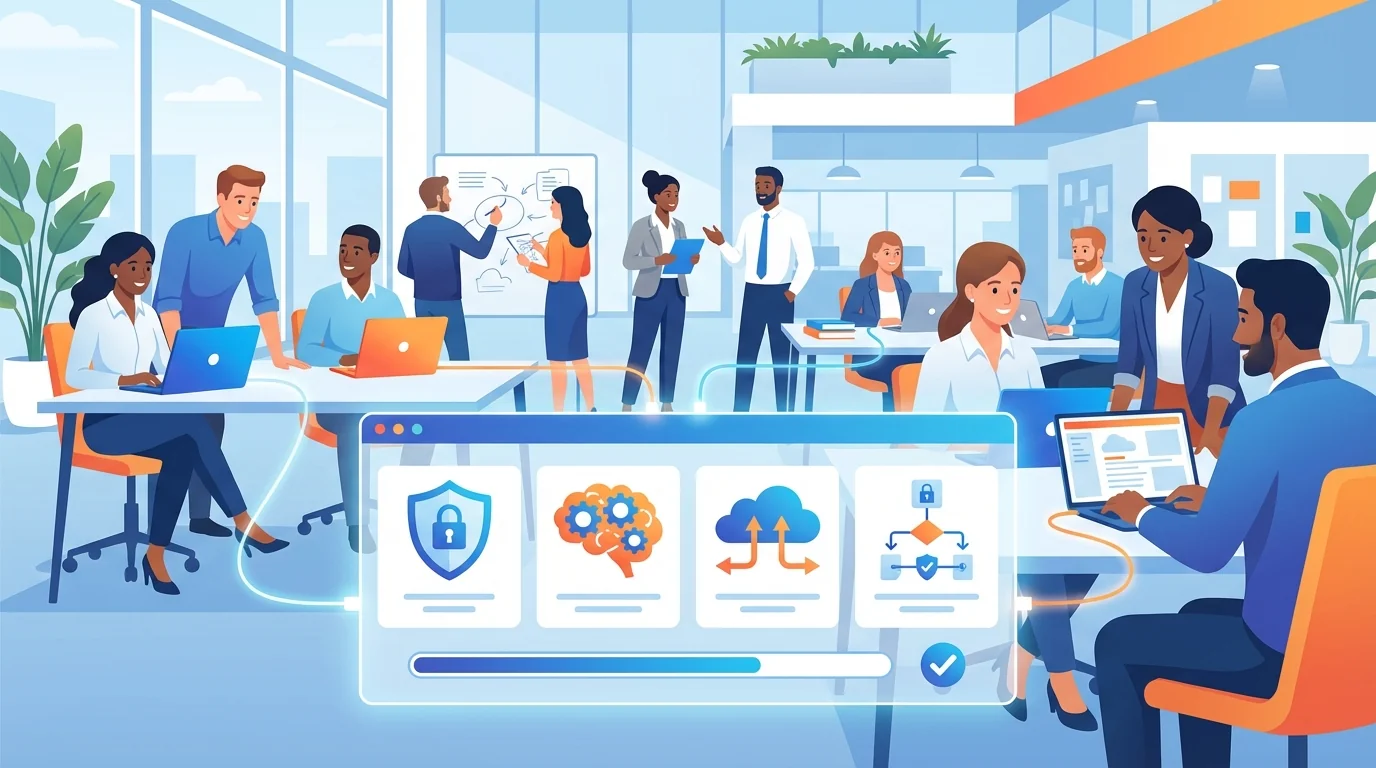
A marketing assistant may connect ChatGPT to a customer database. An accountant might use an AI tool to process invoices. A sales team could grant various AI agents access to a CRM. These connections often occur rapidly, frequently without formal authorization.
This is the new reality for small businesses. AI agents are entering company systems at a pace that exceeds previous technology adoption. Unlike traditional software that requires IT approval and formal procurement, AI tools often arrive through browser extensions, free trials, and OAuth permissions that employees click through without a second thought. Each connection represents a trust decision about what data the AI can see, what actions it can take, and how long that access persists. For businesses without dedicated IT staff, establishing clear oversight and governance is essential for securing AI adoption before security issues arise.
Why AI Agents Create New Security Blind Spots
Traditional security thinking assumes you know what software is running on your network. AI agents break this assumption in three ways.
First, they authenticate independently. When an employee grants an AI tool permission to access their Google Drive or Slack workspace, that AI receives its own credentials. It can operate continuously, accessing data even when the employee is asleep. If the employee leaves your company, the AI’s access often remains unless someone specifically revokes it.
Second, AI agents take actions. They’re not passive viewers of your data. Modern AI tools can send emails, modify documents, create calendar events, trigger workflows, and interact with other software on your behalf. An AI assistant with write access to your accounting software could theoretically approve payments or modify records.
Third, permissions granted during experimentation often persist. An employee testing an AI tool might grant it broad access “just to see what it can do.” When the experiment works, the tool stays. The overly generous permissions remain unchanged. Months later, it is easy to forget what access that AI actually has.
Step 1: Inventory Every AI Agent in Your Business
You cannot secure what you don’t know exists. Your first task is creating a complete list of AI tools your team is using.
Start with your SaaS admin panels. Google Workspace, Microsoft 365, Slack, and most business applications maintain logs of third-party integrations. Look for any application with “AI,” “GPT,” “assistant,” or “copilot” in the name. Check the OAuth permissions each has been granted.
Next, survey your team directly. Send a simple form asking everyone to list any AI tools they use for work, including browser extensions, mobile apps, and web services. Frame this as a collaborative assessment, not a disciplinary measure. You want honest answers, not defensive employees hiding their favorite productivity tools.
Document each AI agent with these details:
- Tool name and vendor
- Who authorized the connection
- What data it can access (email, files, customer data, financial records)
- What actions it can take (read-only, write, delete, share)
- When the access was granted
- Whether it’s still actively used
This inventory becomes your baseline. Maintaining this record allows for better visibility into which applications have access to company data and helps ensure that security protocols remain current as new tools are introduced.
Step 2: Classify Risk by Access Level
Not all AI agents pose equal risk. An AI that reads public blog posts to suggest content ideas is very different from one that has access to customer payment information.
Sort your inventory into three categories based on what each AI can access:
High Risk: AI agents with access to financial data, customer personal information, employee records, or authentication credentials. These tools can cause direct harm if compromised or misconfigured. Examples include AI accounting assistants, customer service bots with CRM access, and AI tools integrated with your password manager.
Medium Risk: AI agents that access internal communications, project files, or business strategy documents. A breach here could expose competitive information or embarrass your company but wouldn’t directly harm customers. Examples include AI writing assistants connected to Google Docs, meeting transcription tools, and project management integrations.
Research on organizational security awareness shows that employees often underestimate the sensitivity of information they share with third-party tools. What seems like a harmless meeting summary might contain client names, pricing discussions, or strategic plans.
Low Risk: AI agents with no access to company data or that only process information you’d share publicly anyway. Examples include AI image generators, grammar checkers that work on selected text only, and research tools that search public databases.
Step 3: Audit Permissions Against Actual Need
Here’s where most small businesses find problems. AI tools routinely request more permissions than they need. Employees click “Allow” without reading the details. The result is AI agents with access far exceeding their legitimate purpose.
For each high-risk and medium-risk AI in your inventory, ask these questions:
Does this tool need write access, or would read-only work? An AI that summarizes your emails doesn’t need permission to send emails on your behalf. An AI that analyzes sales data doesn’t need to modify customer records.
Does this tool need access to everything, or just specific folders/channels? Many AI tools can be scoped to specific data sources. An AI assistant for your marketing team shouldn’t have access to HR files.
Is this tool still being used? Abandoned AI integrations are security liabilities. If a tool has not been used for several months, revoke its access. The employee can re-authorize it if they actually need it.
Work through your SaaS identity audit checklist to catch OAuth permissions that may have been granted through phishing attacks or social engineering. Attackers increasingly use fake AI tool authorization pages to trick employees into granting access to malicious applications.
How to Implement Automated Phishing Training Alongside AI Governance
AI agent security and phishing awareness are deeply connected. Many AI-related security incidents begin with an employee clicking a malicious link or approving a fraudulent authorization request. The most effective defense combines technical controls with ongoing employee education.
Studies from the University of Hawaii research program demonstrate that embedded phishing training (simulated attacks with immediate feedback) produces better results than periodic security lectures. When employees experience a realistic phishing attempt and immediately learn what they missed, the lesson sticks.
For small businesses, automated phishing simulations offer a practical path forward. These systems send realistic test emails to your team, track who clicks, and deliver instant training to anyone who falls for the simulation. The automation removes the burden from business owners who don’t have time to manually manage security training.
Connect your phishing training to AI security by including scenarios specific to your situation:
- Fake AI tool authorization requests that mimic legitimate OAuth flows
- Phishing emails disguised as AI service notifications
- Social engineering attempts asking employees to share AI tool credentials
When employees understand how attackers exploit AI tool adoption, they become more cautious about granting permissions in the first place.
Step 4: Establish an AI Tool Approval Process
Prevention beats cleanup. Once you’ve audited existing AI agents, create a simple process for approving new ones. This doesn’t need to be complex. A simple form and a short review period can prevent most security problems.
Your approval process should capture:
- What the tool does and why the employee wants it
- What data access it requires
- Whether a similar approved tool already exists
- The vendor’s privacy policy and data handling practices
Designate someone to review requests. In a small business, this might be the owner, office manager, or most tech-savvy team member. They don’t need to be a security expert. They just need to ask basic questions and flag anything unusual for further research.
Build a list of pre-approved AI tools that employees can use without additional review. This removes friction for common, low-risk applications while maintaining control over high-risk integrations. Update this list as you evaluate new tools.
Security audit procedures should include regular reviews of this approval list. AI tools change rapidly. A safe tool today might add risky features tomorrow.
Step 5: Monitor and Respond to AI Agent Behavior
The final step is ongoing vigilance. AI agents can change behavior without warning. A vendor might update their tool to request additional permissions. An employee might modify settings that expand what the AI can access. A security breach at the AI vendor could expose your data.
Set up alerts for these events:
New OAuth grants: Most business platforms can notify administrators when new third-party applications are authorized. Enable these notifications and review each one.
Permission changes: Watch for AI tools that suddenly request additional access. This could indicate a legitimate feature update or a compromised application.
Unusual activity patterns: If an AI agent that normally processes a standard volume of documents suddenly accesses thousands, investigate. This could be normal activity or a potential security concern such as data exfiltration.
Vendor security incidents: Subscribe to security news feeds and check periodically whether any AI tools you use have experienced breaches. When a vendor is compromised, revoke access immediately and wait for their all-clear before reconnecting.
Document your response procedures. When something suspicious happens, who investigates? What’s the process for revoking access? How do you communicate with affected employees or customers? Having these answers ready before an incident saves precious time during a crisis.
Building a Culture of Secure Innovation
The goal isn’t to ban AI tools. That’s neither practical nor desirable. AI agents genuinely help small businesses compete with larger organizations. The goal is informed adoption, where employees understand the risks of the tools they use and make thoughtful decisions about data access.
Share your AI inventory with your team. Explain why certain tools are approved and others aren’t. When you deny a request, provide alternatives or explain what would need to change for approval. Employees who understand the reasoning behind security policies are more likely to follow them.
Recognize that some shadow IT is inevitable. Employees will always find workarounds when official tools don’t meet their needs. The best response is making the approval process fast and reasonable, so going through proper channels feels easier than working around them.
Review these security measures regularly. AI capabilities are expanding rapidly, and a previous assessment may not reflect current risks. New AI agents will appear in your environment. Existing tools will gain new features. Threats will evolve. Your security posture needs to evolve with them.
Small businesses can adopt AI tools safely. It requires the same thoughtful approach applied to any other business decision: understanding the technology, evaluating the risks, and implementing reasonable safeguards. Consistent oversight ensures that the benefits of AI are realized without compromising the security of the organization.
Start Building Your Human Firewall
Launch a realistic phishing simulation in minutes and get the tools you need to build a cyber-aware team.
This blog offers general information about phishing and cybersecurity for small and medium-sized organisations. It is not legal, financial, or technical advice. Speak to a qualified professional before acting on any guidance you read here.