06 Apr
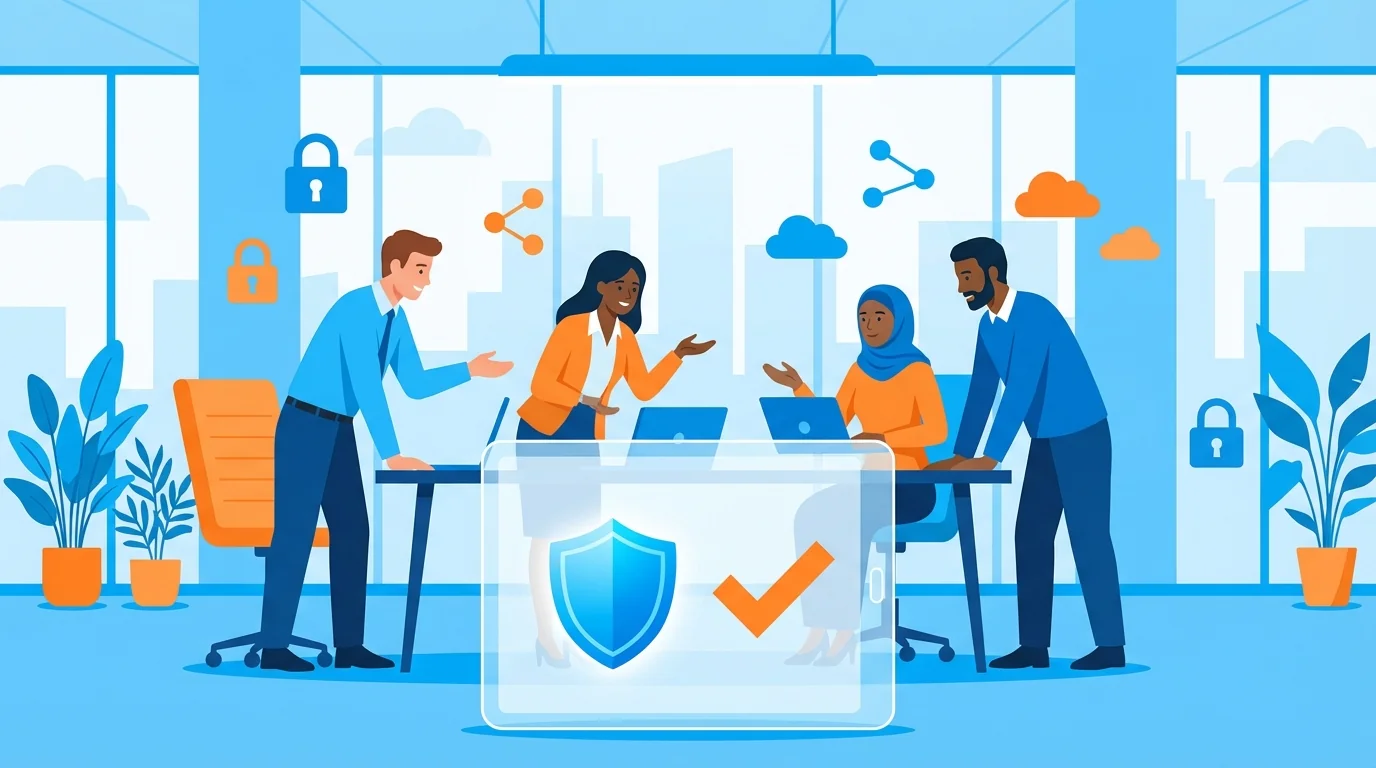
Running a company with 5 to 50 employees means stretching every resource. You handle operations, sales, customer support, and strategy. Adding cybersecurity management to that list often leads to frustration. Large corporations employ entire teams to manage firewalls, monitor networks, and train staff. Small businesses rarely have that luxury. The good news is that technology has adapted to this reality. You can now rely on plug-and-play security solutions small business owners can activate in minutes. These systems run quietly in the background, protecting your data without requiring a computer science degree to operate.
Why Traditional Security Fails the 5-50 Employee Company
Enterprise software demands constant attention. You buy a tool, spend weeks configuring it, and then realize you need a full-time administrator just to read the alerts. When a system generates hundreds of technical warnings a day, fatigue sets in. Business owners end up ignoring the dashboard entirely. This creates a false sense of safety. You paid for protection, but the complexity makes the tool useless.
Researchers studying successful strategic elements of small business protection found that overly complex procedures often fail. A security system must align with the actual capabilities of the team using it. If a tool requires five steps just to approve a password reset, employees will find workarounds. They will share passwords over text messages or write them on sticky notes. The goal is to make the secure path the easiest path.
For a startup, time is the most valuable asset. Spending hours reading through software documentation drains energy from revenue-generating activities. The security industry spent years ignoring this reality, building products exclusively for Fortune 500 companies and trying to sell stripped-down versions to startups. Those stripped-down versions retained the confusing interfaces and heavy maintenance requirements of their enterprise counterparts.
The Shift to Plug-and-Play Security Solutions Small Business Can Actually Use
The software industry eventually recognized that small teams need a different approach. Instead of offering blank-slate software that requires heavy customization, developers started building out-of-the-box systems. These platforms come pre-configured with industry standard settings. You connect your email system, click a few buttons, and the software handles the rest.
This approach is highly visible in modern zero-setup cybersecurity training platforms. In the past, running a training program meant pulling everyone into a conference room for an hour-long presentation. Employees would half-listen while checking emails on their phones. Today, automated platforms test and educate your staff continuously. The setup takes less than sixty seconds. The platform learns about your company structure and immediately begins working.
If you want to understand the mechanics of these platforms, this guide to zero-setup training explains the basic architecture. The main advantage is the removal of the human bottleneck. You do not need to schedule campaigns, write test emails, or track completion rates manually.
Automating the Human Element
Technology can block many threats, but human error remains a major vulnerability. A well-crafted fake email can bypass expensive filters and land directly in an employee’s inbox. If that employee clicks a malicious link, the technical defenses fail. Hackers know that tricking a tired employee is much easier than breaking through a firewall.
Training your staff to spot these fake emails is necessary. Doing it manually is a terrible use of your time. This is where automated phishing training for small business changes the equation. An automated system uses artificial intelligence to research your specific industry. It figures out what software your team likely uses and generates realistic test emails based on that data.
If you run a logistics company, the system will send your staff fake shipping manifests or vendor invoices. If you run a dental office, the tests will mimic insurance claims or appointment scheduling software. The relevance forces employees to pay attention. You can learn more about deploying this specific type of system in this implementation guide.
Immediate Feedback Changes Behavior
When an employee falls for a simulated attack, waiting a week to tell them ruins the lesson. Automated systems provide immediate feedback. The moment a user clicks a bad link, a short, friendly message appears. It explains exactly what red flags they missed.
This instant correction creates a teaching moment. The employee learns the lesson in context. Because the system tracks their progress, it automatically adjusts the difficulty of future tests. Staff members who struggle receive more frequent, basic tests. Those who consistently spot the fakes face harder, more sophisticated simulations. The software manages this entire scaling process without any input from you.
The AI might start by sending an email with obvious spelling errors and a strange sender address. Once an employee masters identifying those obvious threats, the system adapts. The next test might perfectly mimic a Google Workspace login request or a Microsoft 365 password expiration notice. This progression ensures your team continuously improves without feeling overwhelmed.
Setting Up Guardrails Without Blocking Work
Automation is powerful, but it requires precision. You want to stop unauthorized access, but you cannot afford to block your own team from doing their jobs. A rigid security system causes friction and frustration.
Imagine your accounting manager trying to close the books at the end of the quarter. If an automated system suddenly locks them out of their financial software because of a minor login anomaly, your business suffers. Or consider a CEO trying to access client data minutes before a major pitch. Security protocols must accommodate these real-world scenarios.
Modern automation allows for specific exclusions. You can build rules that apply to most of the company while exempting highly sensitive roles or specific software during specific times. This flexibility means you maintain control. You build guardrails that fit your specific operations. Studies on the implementation of well-defined systems show that organizations succeed when their security procedures adapt to their daily workflows, rather than forcing the workflow to adapt to the security.
The Financial Case for Automation
Hiring a dedicated IT professional costs tens of thousands of dollars a year. Most companies with fewer than fifty employees cannot justify that expense. Relying on an external managed service provider is an option, but those contracts can also be expensive and sometimes offer more services than a small startup actually needs.
Automated software provides a middle ground. You pay a predictable monthly or annual subscription. In exchange, the software performs tasks that would otherwise require hours of human labor every week. Researchers investigating cybersecurity support have noted that smaller organizations benefit greatly from solutions that reduce the administrative burden on existing staff.
Think about the time spent resetting passwords, tracking down who completed their compliance training, or reading through vague security alerts. Software handles these tasks instantly. Your team gets their time back. You get peace of mind knowing the systems are monitored.
Measuring Success Without Spreadsheets
Another major advantage of modern platforms is the reporting. You do not need to export data into a spreadsheet to figure out if your team is getting safer. The software provides clean, simple dashboards.
You log in and immediately see your company risk score. You can see which departments are highly secure and which ones need a little more help. If an auditor or a cyber insurance provider asks for proof of your security training, you can generate a report with one click. For a detailed look at what these reports should include, review this zero-setup checklist.
These visual indicators save hours of administrative work. Instead of guessing whether your sales team understands email security, you have hard data showing their exact click rates on simulated attacks over the last six months.
Making the Transition to Automated Systems
Moving away from manual processes might feel intimidating, but the process is straightforward. Start by identifying your biggest vulnerabilities. For most small businesses, email is the primary entry point for threats. Securing the inbox and training the people who use it will reduce your risk heavily.
Next, evaluate software based on its setup requirements. If a vendor tells you the implementation will take three weeks and require a dedicated onboarding specialist, that is not the right tool for a small team. Look for platforms that advertise setup times in minutes. Ask for a demonstration and watch how long it takes to configure a basic campaign.
Once you select a platform, connect it to your company directory. Most modern tools integrate directly with common email providers like Google Workspace or Microsoft 365. This integration allows the software to pull in your user list automatically. When a new employee joins the company, the system adds them to the training rotation without you having to lift a finger. When an employee leaves, the system removes them just as easily.
Customizing the Experience
While the goal is to avoid heavy configuration, having the option to tweak communications helps. When the system sends an alert or a training reminder, it should look like it comes from your company. Adding your logo and using your standard company tone makes the messages feel legitimate.
Employees are more likely to engage with a prompt that feels familiar. If the automated system sends a sterile, generic warning, staff might ignore it. A clear, branded message explaining exactly what action the employee needs to take yields much faster response times. You want your team to trust the system, and visual familiarity builds that trust.
Building a Sustainable Security Culture
Security is not a project you finish. It is an ongoing process. Threats change. Attackers develop new methods to trick users. Your defenses must adapt at the same pace.
Relying on manual updates guarantees you will fall behind. You have a business to run. You cannot spend your mornings researching the latest phishing tactics. Automated systems absorb that responsibility. The software developers update the training materials and threat simulations constantly. Your team receives the most current education without you ever having to schedule a meeting.
This continuous background operation builds a strong security culture. Employees get used to the occasional test. They learn to scrutinize unexpected requests for money or passwords. They become an active part of your defense strategy rather than a vulnerability. Over time, checking the sender address and hovering over links becomes second nature to your staff.
The Value of Simplicity in IT Management
Every piece of software you add to your business should solve a problem, not create a new one. The initial wave of cybersecurity tools built for massive corporations failed small businesses because they demanded too much attention. They required certified professionals just to keep them running.
The current generation of automated platforms corrects this mistake. They respect your time. By focusing on simple deployments and intelligent automation, these tools provide enterprise-level protection without the enterprise-level headaches. You get the data you need, your employees get the training they require, and your business remains secure. You can finally step away from the IT support desk and get back to running your company.
Start Building Your Human Firewall
Launch a realistic phishing simulation in minutes and get the tools you need to build a cyber-aware team.
This blog offers general information about phishing and cybersecurity for small and medium-sized organisations. It is not legal, financial, or technical advice. Speak to a qualified professional before acting on any guidance you read here.