02 Mar
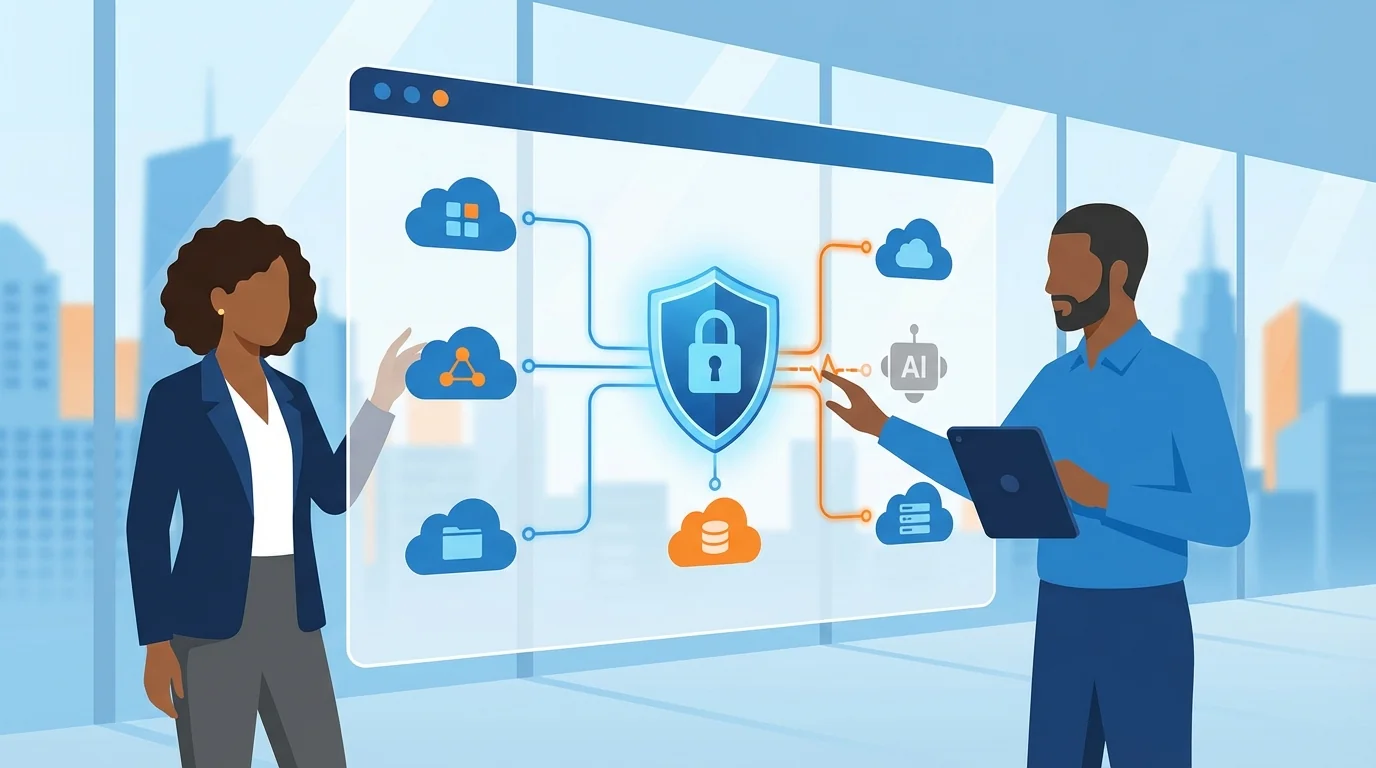
Your employee installed an AI productivity tool last month. They connected it to Slack, Google Workspace, and your CRM. Then they stopped using it. The app sits dormant on their laptop, but the access tokens it created often remain active inside your business systems, reading messages, accessing files, and potentially moving data between platforms.
This is the hidden identity problem that small businesses face with AI agents. The tool runs locally, but the permissions it creates live inside your SaaS applications. Uninstalling the software does nothing to revoke those permissions. And if you’re wondering how to implement automated phishing training alongside these security measures, the answer involves building awareness into your regular operations rather than treating it as a separate project.
Why Traditional Security Misses AI Agent Access
When an AI agent connects to your business applications, it follows the same OAuth flow as any legitimate app. A user signs in, grants permissions, and receives a token. No malware signatures trigger. No security alerts fire. Your antivirus software sees nothing suspicious because technically, nothing suspicious happened.
The problem is what comes after. That token allows the AI agent to:
- Read conversations in your team chat
- Access documents in cloud storage
- Trigger automations across connected apps
- Copy data between systems
Most small businesses lack visibility into which OAuth apps have been authorized, which tokens remain active, and what those tokens can actually do. This blind spot persists even after employees stop using the AI tool that created the access.
Step 1: Inventory All Connected Applications
Start by listing every SaaS application your business uses. For a company with a small team, this typically includes email (Google Workspace or Microsoft 365), team chat (Slack or Teams), file storage, CRM, accounting software, and project management tools.
For each platform, access the admin console and look for connected apps or authorized integrations. In Google Workspace, this lives under Security > Access and data control > API controls. In Slack, check Settings > Manage Apps. Microsoft 365 users should visit the Microsoft Entra admin center and select Applications > Enterprise applications.
Create a spreadsheet with columns for:
- Application name
- Which employee authorized it
- Date of authorization
- Permissions granted
- Last activity date
You’ll likely find apps you’ve never heard of. That’s normal. The goal here is visibility, not immediate action.
Step 2: Identify AI Agent Connections
AI agents often have generic names that don’t immediately signal their nature. Look for applications with broad permissions that were authorized recently, especially those requesting access to messages, files, or automation capabilities.
Common permission scopes that indicate AI agent activity include:
- Read and write access to messages or chat
- Full access to drive or file storage
- Ability to send emails on behalf of users
- Access to calendar details including event contents
- Permission to create or modify records in your CRM
Cross-reference your inventory with employees. Ask directly: “Did you install any AI tools that connect to our work apps?” Most employees don’t realize they’ve created persistent access when they click “Allow” during setup.
Step 3: Assess Risk and Prioritize Revocation
Not every connected app needs immediate removal. Prioritize based on three factors: the sensitivity of data the app can access, whether the app is still actively used, and whether the authorizing employee still works at your company.
High priority for immediate revocation:
- Any app authorized by former employees
- Apps with write access that haven’t been used for an extended period
- Connections to your CRM or financial systems from unknown apps
- Any app with admin-level permissions
Medium priority:
- Apps with read-only access that are no longer used
- Connections created during trial periods of software you didn’t adopt
Low priority (review but don’t rush):
- Active integrations between apps you deliberately use together
- Connections with minimal permissions that are still in use
Step 4: Revoke Access and Document Changes
Revocation happens inside each SaaS platform, not on the employee’s device. This is where many small businesses make mistakes. They ask employees to uninstall the AI tool and assume the problem is solved. The tokens remain active until you explicitly revoke them in your admin console.
For Google Workspace:
- Go to Admin Console > Security > Access and data control > API controls
- Click on the app you want to remove
- Select “Block app” to prevent future authorizations
- For existing tokens, go to the user’s account and revoke third-party access
For Slack:
- Access Settings > Manage Apps
- Find the app and click “Remove”
- This revokes access for all workspace members
For Microsoft 365:
- Go to the Microsoft Entra admin center and select Applications > Enterprise applications
- Select the application
- Under Properties, set “Enabled for users to sign-in” to No
- Delete the application to remove all existing tokens
Document every revocation with the date, the app name, and who performed the action. This creates an audit trail if you need to investigate an incident later.
Step 5: Prevent Future Unauthorized Connections
Cleaning up existing access solves today’s problem. Preventing new unauthorized connections protects you going forward.
Most SaaS platforms allow you to restrict which apps employees can authorize. In Google Workspace, you can set API access to “Limited” or “Blocked” for specific app types. Slack offers similar controls through App Management settings. Microsoft 365 provides granular consent settings in Microsoft Entra ID.
Consider requiring admin approval for new app connections. Yes, this adds friction. But for a small organization, you might get a few approval requests per month. That’s manageable and prevents employees from accidentally creating persistent access for AI tools they’re just trying out.
The consent phishing prevention guide covers this in more detail, including how attackers trick employees into authorizing malicious apps that look legitimate.
How to Implement Automated Phishing Training Alongside Identity Audits
Technical controls only work when employees understand why they matter. An employee who clicks “Allow” on every OAuth prompt will eventually authorize something dangerous, regardless of your policies.
This is where zero-setup cybersecurity training platforms become valuable. Instead of scheduling quarterly security lectures that everyone forgets, automated training delivers lessons at the moment they’re relevant.
The connection to identity audits is direct. When employees learn to recognize suspicious permission requests through simulated phishing scenarios, they become your first line of defense against consent phishing. They start asking questions like “Why does this calendar app need access to my email?” before clicking Allow.
Automated training works because it:
- Delivers immediate feedback when someone makes a risky decision
- Adapts difficulty based on individual performance
- Runs continuously without requiring IT staff to manage campaigns
- Creates measurable improvement over time
The phishing awareness training guide walks through setting up automated programs that scale with your team.
Building a Quarterly Review Process
A one-time audit catches current problems. A quarterly review prevents new ones from accumulating.
Set a calendar reminder to repeat this checklist every three months. The process gets faster after the first time because you’ll have baseline documentation and know where to look in each admin console.
During quarterly reviews:
- Check for new authorized apps since your last audit
- Verify that previously revoked apps haven’t been re-authorized
- Review permissions for apps you’ve intentionally kept
- Update your inventory spreadsheet
- Check training completion rates if you’re using automated phishing simulations
For teams dealing with job scams and other social engineering attacks, this quarterly rhythm also provides a natural checkpoint for reviewing broader security awareness.
What Happens If You Skip This
The risk isn’t theoretical. Breaches traced back to OAuth token abuse have hit companies of all sizes. Attackers don’t need to break into your systems when they can simply use access that was legitimately granted and never revoked.
For a small business, the consequences include:
- Customer data exposure leading to regulatory penalties
- Business email compromise attacks launched from inside your systems
- Intellectual property theft through cloud storage access
- Reputational damage when clients learn their data was accessible to unknown third parties
The time investment for this audit is roughly a few hours for your first pass, then a short period quarterly. Compare that to the weeks or months required to recover from a data breach, and the math becomes clear.
Your SaaS applications contain your business. The identities that access them deserve the same attention you’d give to the locks on your office door.
Start Building Your Human Firewall
Launch a realistic phishing simulation in minutes and get the tools you need to build a cyber-aware team.
This blog offers general information about phishing and cybersecurity for small and medium-sized organisations. It is not legal, financial, or technical advice. Speak to a qualified professional before acting on any guidance you read here.