06 Jan
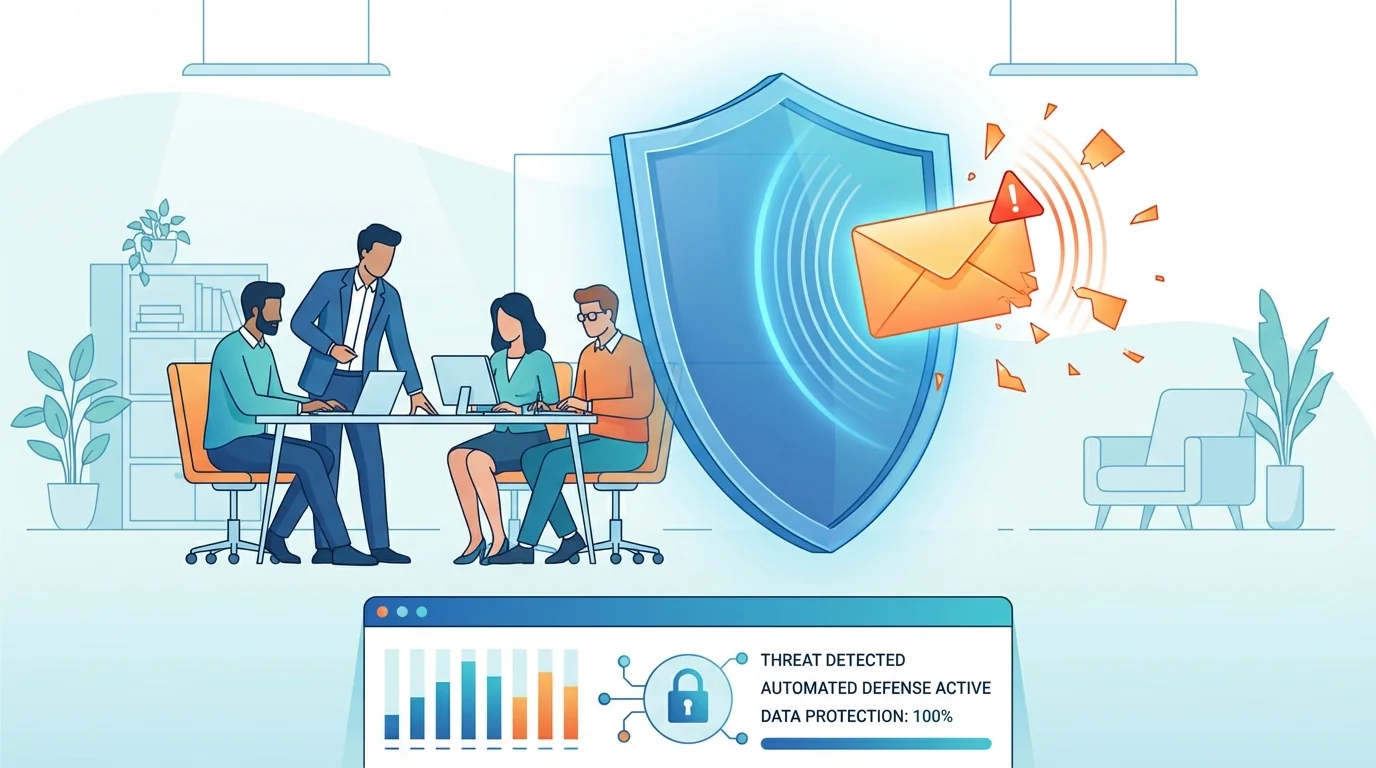
The Hidden Danger in Your Inbox
In December, a wave of nearly 10,000 emails landed in the inboxes of businesses across the United States. These weren’t your typical poorly written scams from a generic address. They came from a legitimate Google domain: noreply-application-integration@google.com. Because these messages originated from Google’s own infrastructure, they bypassed the security filters that most small businesses rely on to stay safe.
For a business owner with 10 or 20 employees, this presents a nightmare. You tell your staff to look for “weird” email addresses, but what happens when the address is 100% real? This is where small business email security automation becomes necessary. Without a dedicated IT team to monitor every incoming packet, you need systems that handle the heavy lifting while your team focuses on their actual work.
This specific campaign focused on “Application Integration,” a tool meant to help software programs talk to each other. Attackers found they could use this tool to send custom emails. Since the emails are technically sent by Google, they pass SPF and DMARC checks—the two main “ID cards” of the email world. If the ID card says “Google,” most mail servers just open the door and let the message in.
Why Trusted Domains Are Being Weaponized
Most phishing attacks fail because the sender looks suspicious. A scammer might use “google-support-security.com” instead of “google.com.” Modern security software is very good at catching these fakes. However, when an attacker uses a loophole to send mail from a real, trusted domain, the entire defensive logic of the internet shifts. This is why evolving threats are so difficult to manage manually.
The attackers in this campaign were clever. They didn’t just send a link; they sent a story. The emails looked like voicemails or requests for “Q4 file access.” These are common events in any office. When an employee sees a familiar Google notification format, their guard drops. They assume that if the email is in their inbox and the sender is Google, it must be safe.
This “veneer of legitimacy” is what makes the Google Cloud loophole so effective. It targets the human element of your business. Even the most cautious employee might click a link if it looks like a standard system alert. This is exactly why user vigilance remains the last line of defense when technical filters fail.
Small Business Email Security Automation: The Practical Fix
Small businesses often lack the budget for a 24/7 Security Operations Center. You likely don’t have someone sitting in a dark room watching for suspicious API calls in Google Cloud. This is why small business email security automation is the only realistic path forward. Automation doesn’t just mean a better spam filter; it means a system that trains your staff and tests your defenses without you having to lift a finger.
Effective automation handles three main tasks:
- Continuous Testing: It sends simulated phishing emails that mimic the latest real-world attacks, like the Google Cloud loophole.
- Adaptive Learning: If an employee clicks a test link, the system provides an immediate “teaching moment” to show them what they missed.
- Threat Intelligence: It stays updated with the latest tactics used by hackers so your business isn’t caught off guard by a new method.
By using the best phishing simulation software 2024, you turn your employees from a liability into a shield. When they see a real attack that looks exactly like the simulation they just passed, they are much more likely to report it rather than click it.
The Multi-Stage Redirection Trap
The Google Cloud attack didn’t stop at a fake email. Clicking the link didn’t take users directly to a login page. Instead, it sent them through a chain of Google-hosted services. First, they landed on storage.cloud.google.com. Then, they were moved to googleusercontent.com.
Every step of this journey happened on a Google-owned domain. This is a tactic designed to confuse both the user and automated security scanners. Many security tools will scan the first link in an email but might not follow three or four redirects deep, especially if those redirects are all on “safe” sites.
At the end of this chain, the user was met with a fake CAPTCHA. We have all seen these—the boxes where you have to click on all the traffic lights or crosswalks. This wasn’t for security. It was a “filter” for the attackers. Automated security bots usually can’t solve CAPTCHAs, but humans can. By putting this barrier in place, the attackers ensured that only real people reached their final phishing page, keeping their scam hidden from security researchers for longer.
The Final Goal: Credential Theft
Once the user passed the CAPTCHA, they finally reached a fake Microsoft login page. Because they had already “verified” themselves through the CAPTCHA and seen nothing but Google domains up to that point, they were primed to trust the login box. They entered their username and password, and just like that, the attackers had access to their business email, files, and contacts.
How to Protect Your 5-50 Employee Business
You don’t need a degree in computer science to protect your company. You just need a consistent strategy. Here are the steps every small business owner should take to close the Google Cloud loophole and similar gaps.
1. Use Hardware-Based Multi-Factor Authentication (MFA)
Standard MFA (getting a text code) is good, but it can still be phished. If an attacker can trick you into typing your password into a fake site, they can also trick you into typing the text code. Hardware keys, like a YubiKey, are much harder to beat because they require a physical touch and verify the website domain before sending any data. If you can’t use hardware keys, at least move away from SMS codes and use an authenticator app.
2. Start Regular Phishing Simulations
You cannot expect your staff to know about every new Google Cloud loophole. You have to show them. Using the best phishing simulation software 2024 allows you to run “fire drills” for your inbox. These simulations should be automated so you don’t have to spend hours every month setting them up. The goal is to make spotting a scam a habit for your team, not a once-a-year chore.
3. Teach the “Browser First” Rule
Encourage your employees to never click links in notification emails, even if they look real. If they get a notice that a file has been shared or a voicemail is waiting, they should open a new tab and go directly to drive.google.com or outlook.com. If the notification is real, it will be waiting for them inside the actual app. This one simple habit can stop 90% of phishing attacks in their tracks.
4. Set Up a Reporting Protocol
Does your team know what to do if they see something suspicious? They shouldn’t just delete it. They should report it to you or your IT contact. This allows you to warn the rest of the team. A simple “Hey everyone, don’t click the voicemail email from Google” can save your entire network from a breach.
The Small Business Advantage
Large corporations are like massive ships; they take a long time to turn and have thousands of entry points. Your small business is a speedboat. You can change your security culture in a single afternoon. By using small business email security automation, you can implement the same level of protection that the “big guys” have without the massive price tag or complexity.
The Google Cloud loophole is a reminder that hackers are always looking for ways to use our trust against us. They know we trust Google, Microsoft, and Amazon. They will continue to find ways to hide behind these big names. Your job isn’t to be a tech expert; it’s to provide your team with the tools and training they need to stay safe while they help your business grow.
Security is not a one-time setup. It is a process of staying aware and keeping your defenses active. When you automate that process, you ensure that your business stays protected even when you are busy running the company. The attackers are using automation to find victims; it is only fair that you use it to stop them.
Check your current email setup today. Are you relying solely on the built-in filters? If so, it might be time to look at how small business email security automation can provide that extra layer of safety. It is much easier to start a simulation program now than it is to recover from a compromised business account later.
Start Building Your Human Firewall
Launch a realistic phishing simulation in minutes and get the tools you need to build a cyber-aware team.
This blog offers general information about phishing and cybersecurity for small and medium-sized organisations. It is not legal, financial, or technical advice. Speak to a qualified professional before acting on any guidance you read here.