27 Apr
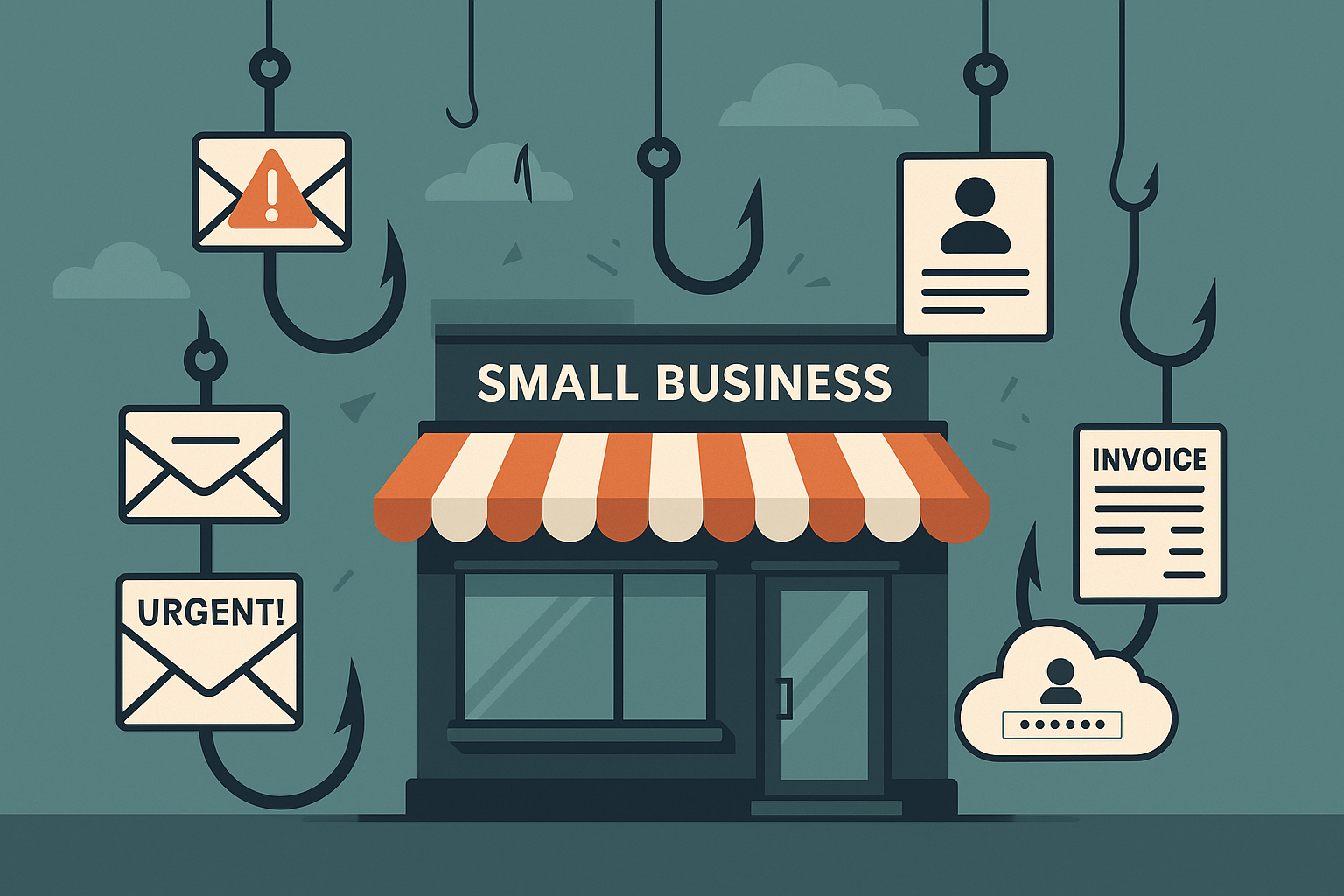
Phishing isn’t a single trick; it’s a versatile toolkit used by cybercriminals, and they often tailor their attacks specifically for small and medium-sized businesses (SMBs). While awareness of general phishing tactics is crucial (as discussed in Why Phishing is a Major Threat ), recognizing the *specific types* of scams frequently aimed at SMBs can significantly boost your defenses. Understanding these common attacks makes it easier for you and your team to spot the danger before clicking.
This post highlights five prevalent phishing scams targeting businesses like yours today and outlines the key red flags to watch out for.
Why SMBs Need to Know These Scams
Attackers target SMBs with these specific scams because they know smaller organizations might have less formal processes, fewer dedicated security resources, and employees often wear multiple hats, potentially leading to quicker (and sometimes less scrutinized) actions on requests that seem legitimate. Falling for these can lead directly to financial loss, stolen credentials, and operational chaos.
5 Common Phishing Scams & How to Spot Them
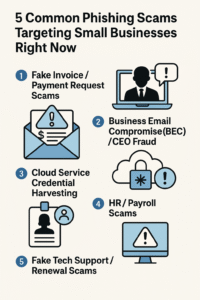
1. Fake Invoice / Payment Request Scams
One of the most frequent attacks involves emails that look like legitimate invoices or urgent payment requests from suppliers, vendors, or sometimes even spoofed internal departments. The goal is to trick an employee (often in finance or accounts payable) into paying a fake bill or diverting payment to the attacker’s account.
Red Flags:
- Unexpected invoices or requests for payment for services/products you don’t recognize.
- Slight variations in the sender’s email address or domain name (e.g., `bill@trustedvendor.co` instead of `bill@trustedvendor.com`).
- Urgent language demanding immediate payment to avoid penalties or service disruption.
- Changes in payment details (bank account numbers, payment methods) compared to previous legitimate invoices from that vendor. Always verify changes via a known phone number.
- Generic greetings like “Dear Customer” instead of a specific contact name.
- Poor grammar, spelling mistakes, or awkward formatting in the email or attached invoice.
2. Business Email Compromise (BEC) / CEO Fraud
In BEC scams, attackers impersonate a high-level executive (like the CEO, CFO, or owner) or a trusted colleague. They send urgent emails requesting actions like wire transfers, purchasing gift cards for “clients” or “employee rewards,” or sharing sensitive company data (like employee tax forms). They might use a spoofed email address that looks very similar to the real one, or sometimes they gain access to the actual executive’s email account.
Red Flags:
- Unusual requests, especially for immediate wire transfers, large gift card purchases, or sensitive data sharing, particularly if it bypasses normal procedures.
- A strong sense of urgency or secrecy (“I’m in a meeting, can’t talk, just get this done quickly,” “Don’t discuss this with anyone else”).
- Requests made when the supposed executive is known to be traveling or unavailable.
- A “Reply-To” address that is different from the apparent “From” address.
- Subtle changes in the sender’s usual tone, language, or sign-off.
- Crucial Defense: Always verify urgent financial or data requests, especially unusual ones, through a separate communication channel (like a direct phone call to a known number or an in-person conversation) before taking action.
3. Cloud Service Credential Harvesting (e.g., Microsoft 365 / Google Workspace)
With many SMBs relying on cloud services like Microsoft 365 or Google Workspace, attackers frequently send fake notifications pretending to be from these providers. These emails might claim there’s a security alert, the user’s mailbox is full, their password needs resetting, or there’s an issue with a shared file. The goal is to lure the user to a fake login page that looks identical to the real one, capturing their username and password.
Red Flags:
- Generic warnings about account security or storage limits.
- Links that, when hovered over (without clicking!), show a URL that doesn’t belong to the official Microsoft or Google domain (e.g., `microsft-login-update.com` instead of `microsoft.com`).
- Direct requests within the email body for login credentials (legitimate services rarely ask for this via email).
- Urgent calls to action threatening account suspension if the user doesn’t act immediately.
- Poor design or slightly “off” branding compared to official communications.
- Crucial Defense: Always enable Multi-Factor Authentication (MFA) on cloud accounts. Navigate directly to the service’s official website to log in instead of clicking email links.
4. HR / Payroll Scams
Attackers may pose as the HR or payroll department, targeting employees with emails requesting updates to personal information. Common tactics include asking employees to click a link to view a new company policy, update their direct deposit details via a fake portal, or fill out a form for tax information.
Red Flags:
- Unexpected emails requesting sensitive personal information like bank account details, tax numbers, or passwords.
- Links directing to unfamiliar login portals or forms asking for extensive personal data.
- Urgent requests related to pay, benefits, or policy changes that haven’t been communicated through official internal channels.
- Slight inaccuracies in the sender’s email address or company branding used in the email.
- Crucial Defense: Verify any request for personal or financial information directly with HR or payroll using a known internal contact method, not by replying to the suspicious email.
5. Fake Tech Support / Renewal Scams
These scams often manifest as emails or browser pop-ups claiming a critical software subscription (like antivirus, accounting software, or even operating system license) is expiring, or that a virus or technical issue has been detected on the user’s computer. They prompt the user to call a fake support number, click a malicious link, download fake “fix” software (malware), or make a payment for unnecessary services or renewals. Some request remote access to the computer.
Red Flags:
- Unsolicited emails or pop-ups warning about viruses, system errors, or imminent subscription expiries you weren’t expecting.
- High-pressure tactics demanding immediate payment or action to avoid data loss or system failure.
- Requests to grant remote access to your computer from an unknown support agent.
- Phone numbers provided in emails/pop-ups that don’t match official vendor support numbers found on their website.
- Requests for payment via unusual methods like gift cards or cryptocurrency.
- Crucial Defense: Never call numbers or click links from unsolicited tech support messages. If you suspect an issue or need to check a subscription, go directly to the official vendor’s website or use previously saved legitimate contact information. Never grant remote access unless you initiated the support request through official channels.
Beyond Spotting: Building Your Defenses
Knowing these common phishing examples is a vital first step for any small business. However, awareness needs reinforcement to become habit. Attackers constantly refine their techniques, so ongoing vigilance and training are essential. Regularly testing your team’s ability to spot these scams in a safe environment is one of the most effective ways to build lasting resilience.
See how OutPhish’s simulation training can help your team practice identifying these specific threats.
Stay Vigilant
Cybercriminals view SMBs as prime targets, often using these tried-and-tested scam types. By educating yourself and your employees on these common phishing attacks and their red flags, you significantly strengthen your business’s defenses against costly breaches and disruptions. Remember, a questioning mindset and verifying requests through trusted channels are your best allies.
Start Building Your Human Firewall
Launch a realistic phishing simulation in minutes and get the tools you need to build a cyber-aware team.
This blog offers general information about phishing and cybersecurity for small and medium-sized organisations. It is not legal, financial, or technical advice. Speak to a qualified professional before acting on any guidance you read here.